¶ Deploy Utility Badge Center
This tutorial is about how to deploy the Utility Badge Center for your community.
The Utility Badge Center is a modular system that lets the Community Owner add Perks with functions and utilities to the Community Membership Cards.
Perks are one of the cornerstones within the Galaxis Platform. By providing utilities that bring value to the specific community, the Community Membership Cards can be elevated from pure speculation devices to being valued by their utilities instead.
Furthermore, well-selected utilities will provide value way beyond monetary value, and can help a group of people to grow into a real community. For example a personalized Autograph or an online meeting from an artist may not elevate the monetary value of the NFT card, but could add significant emotional value to the owner.
Well-selected Perks help to grow direct human connections not only between the community creator and their community, but also between the community members as well.
¶ Prerequisites:
- Have at least a launched Membership collection, but it is recommended to have a launched secondary collection.
¶ Step 1
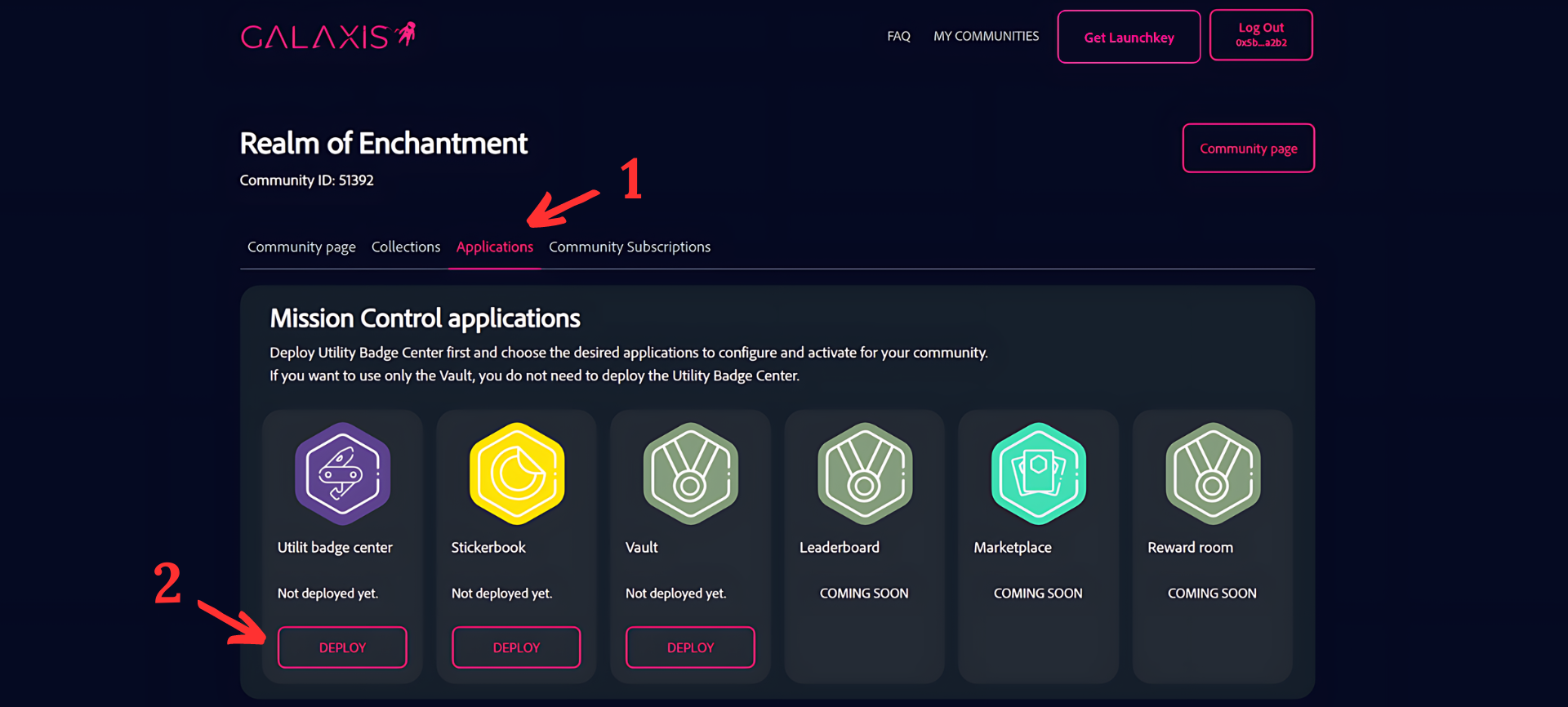
- Select the “Applications” tab inside your community.
- Click on the “Deploy” button on the Utility Badge Center card.
¶ Step 2
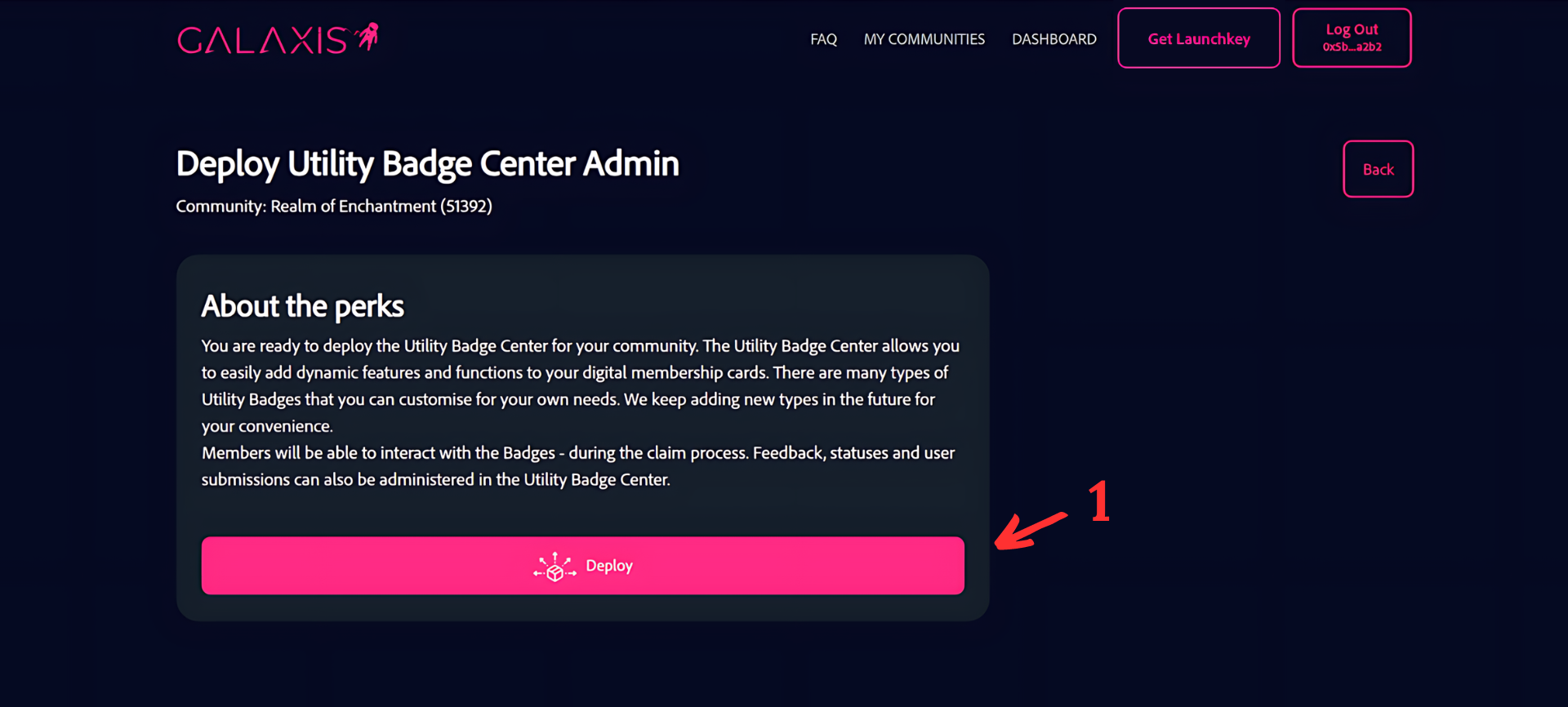
- Click on the “Deploy” button to continue the process, but it is recommended to read the information provided about the perks before you click on the button.
¶ Step 3
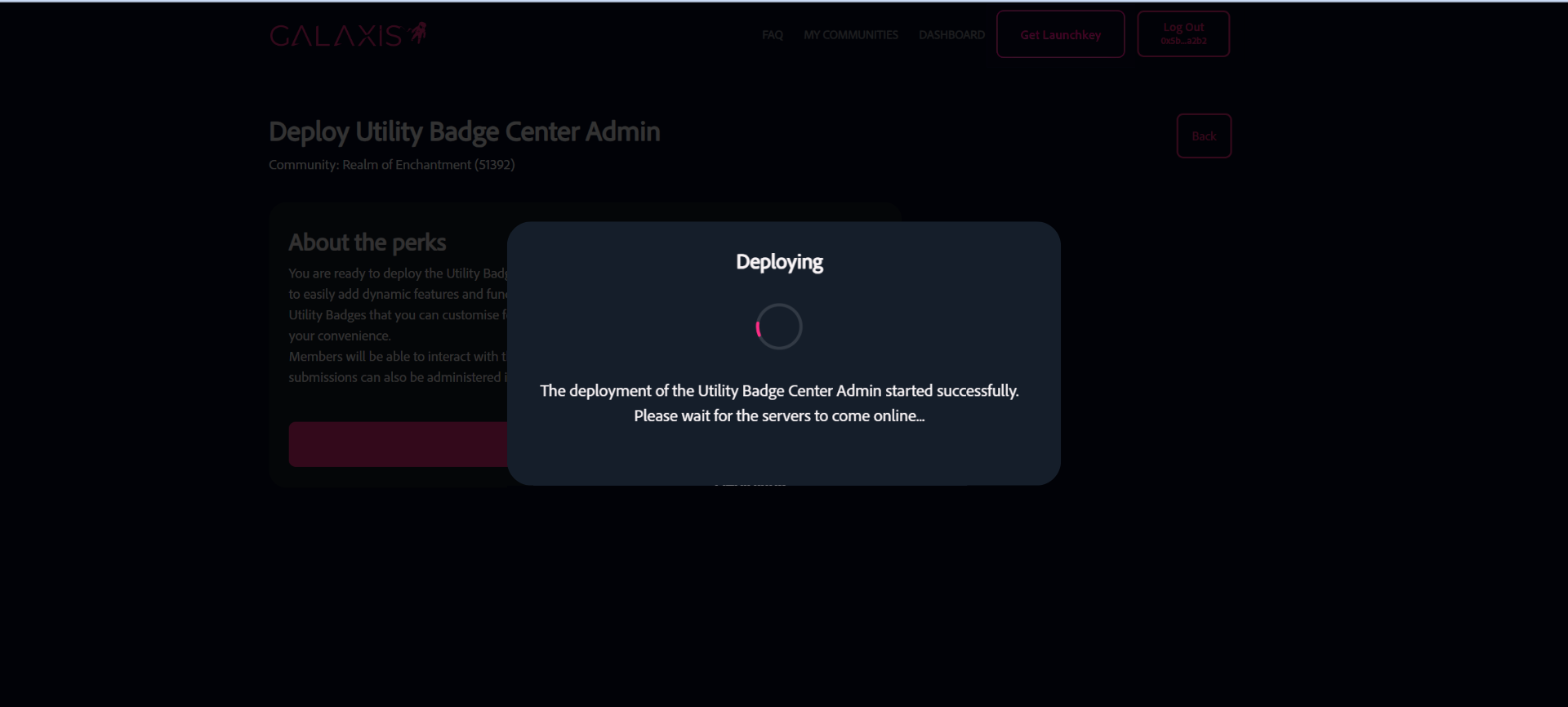
You will have to wait several seconds/minutes for the deployment process to be finished.
¶ Step 4
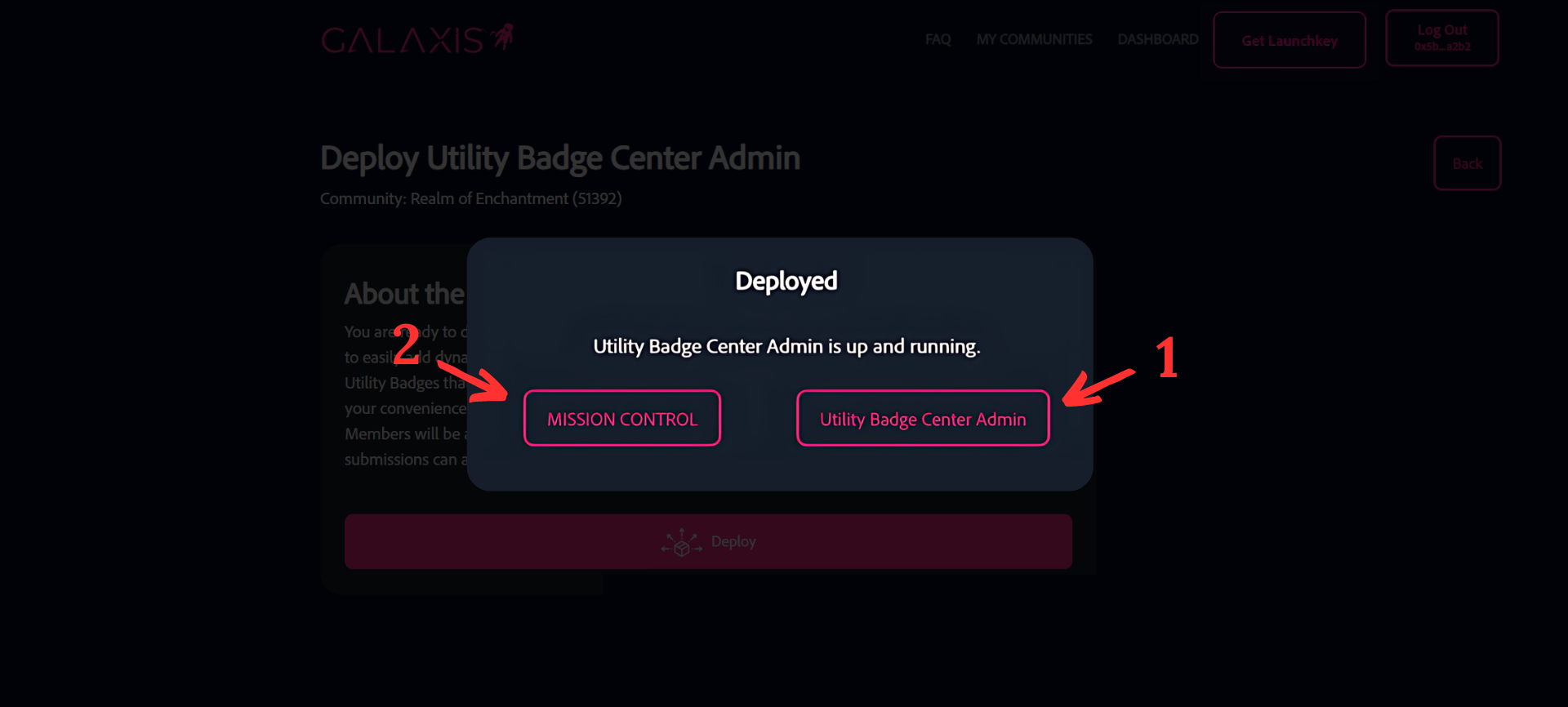
- Click on the “Utility Badge Center Admin” button to access the Utility Badge Center.
- Click on the “Mission Control” button to return to Mission Control.
¶ Step 5
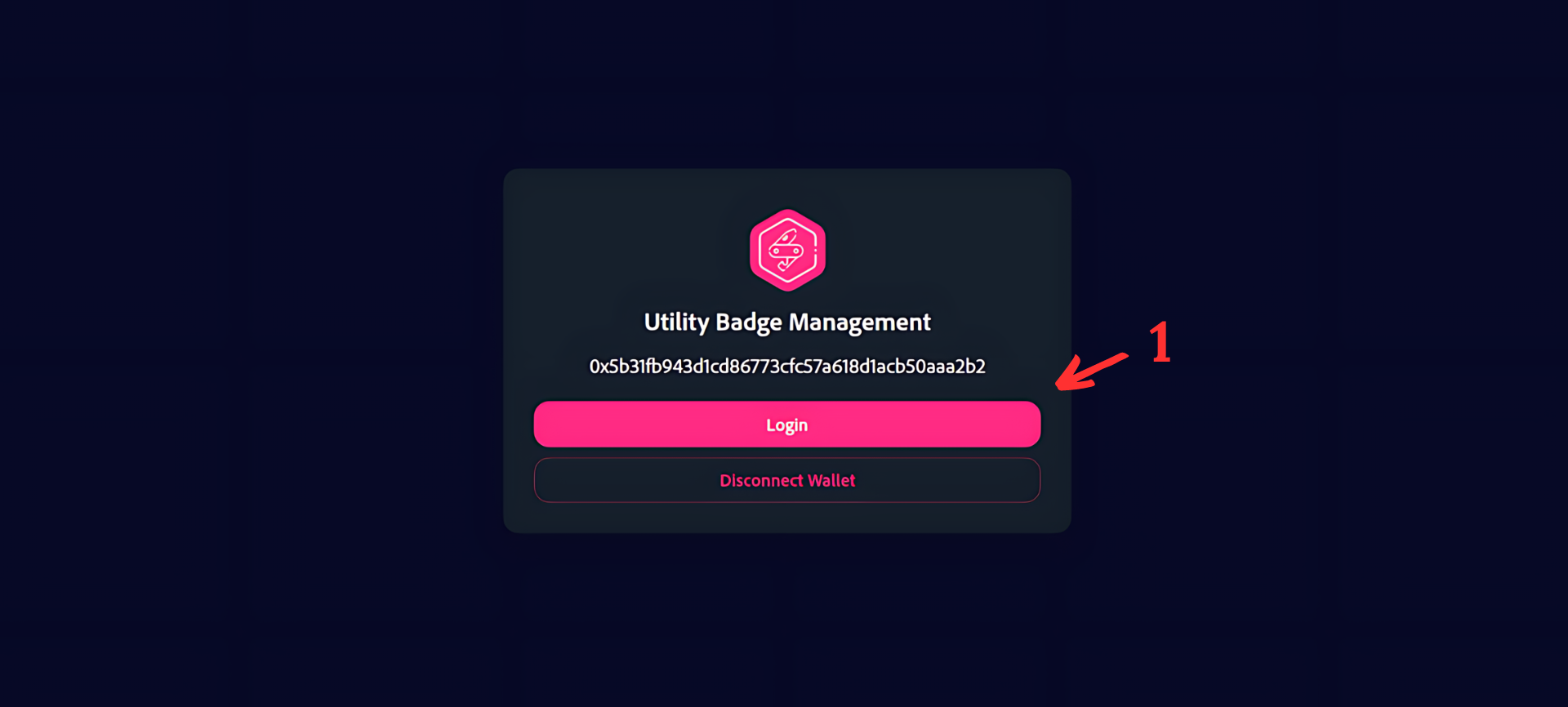
- Click on the “Login” button to access the Utility Badge Center.
¶ Step 6
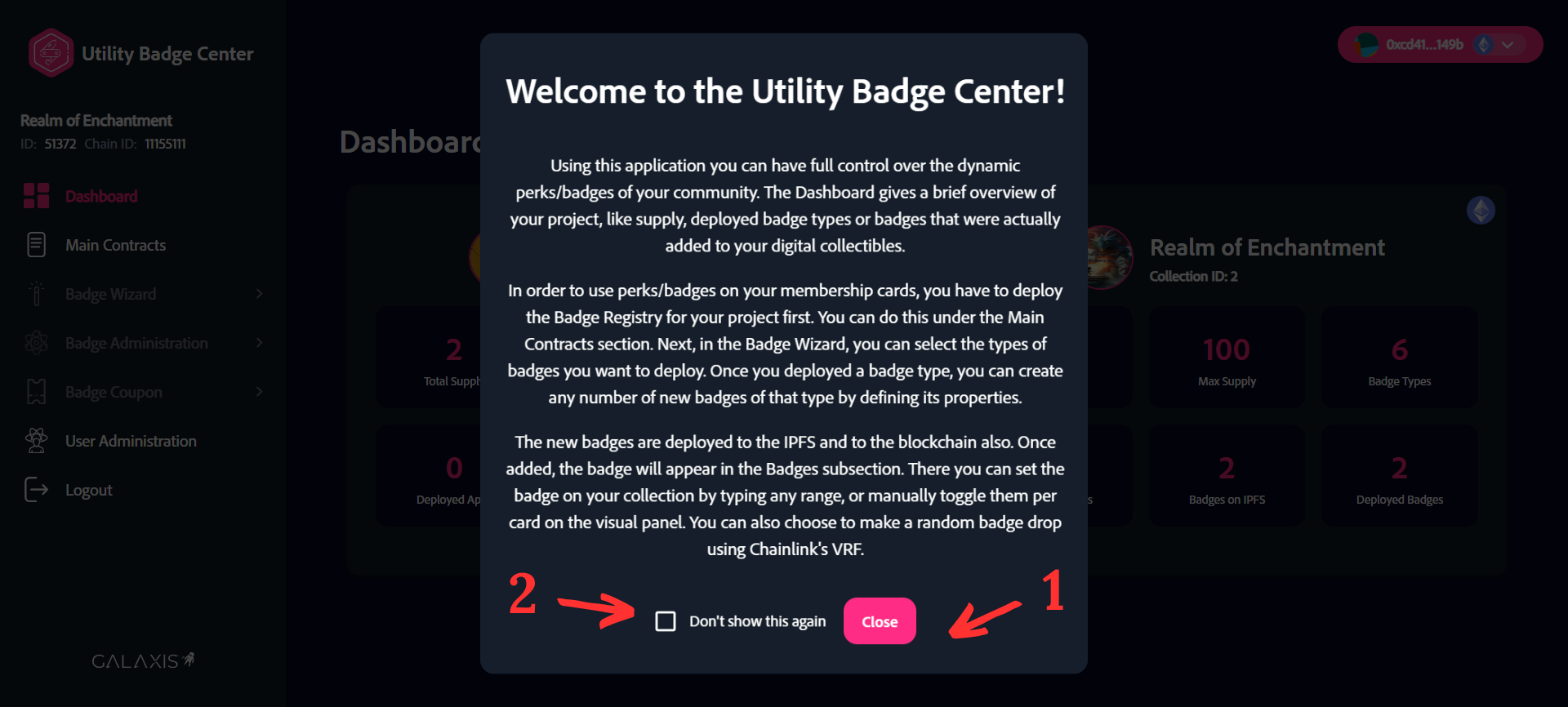
- Before you click on the “Close” button, please read the welcome message of the Utility Badge Center (UBC).
- (Optional) check the “Don’t show this again” box before clicking on the “Close” button if you don’t want to read the welcome text on the next login to the Utility Badge Center.
¶ Step 7
After completing all of the steps you will see the following admin page.

On the top left corner, below the Utility Badge Center text you can see the name of your community to which the UBC belongs. Below the community name, there is the community ID and the Chain ID. On the right side you can see your collections and the information belonging to them.