¶ Accessing the Community Creator App
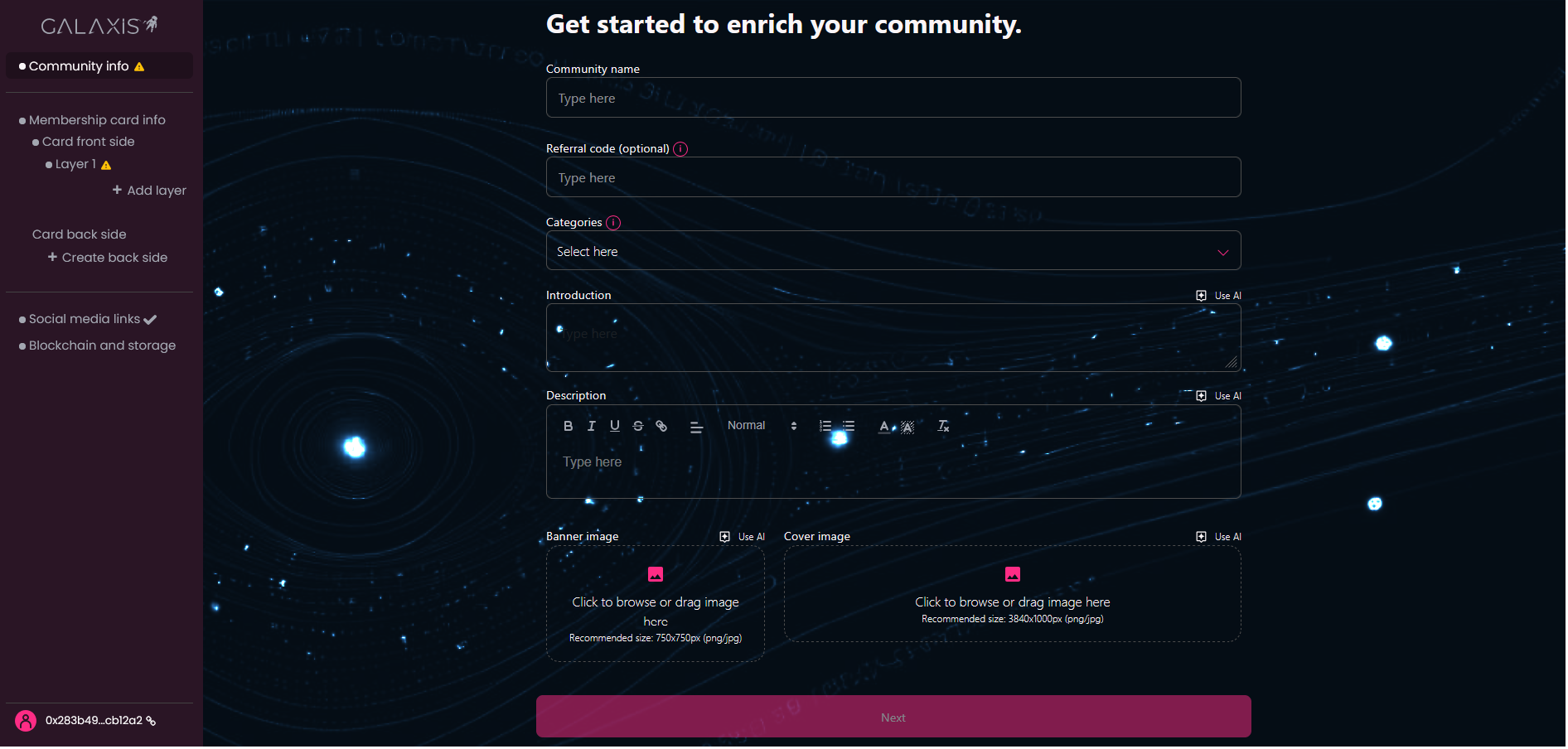
The Community Creator App is the admin interface of the Galaxis platform where community owners can build their website and set up a membership collection.
To start using the Community Creator App, first you need to register yourself. There are two ways to do this:
- register using Particle Wallet (through e-mail address or social account like Google, Apple, X, Facebook, Discord
- register using a crypto wallet (MetaMask for example)
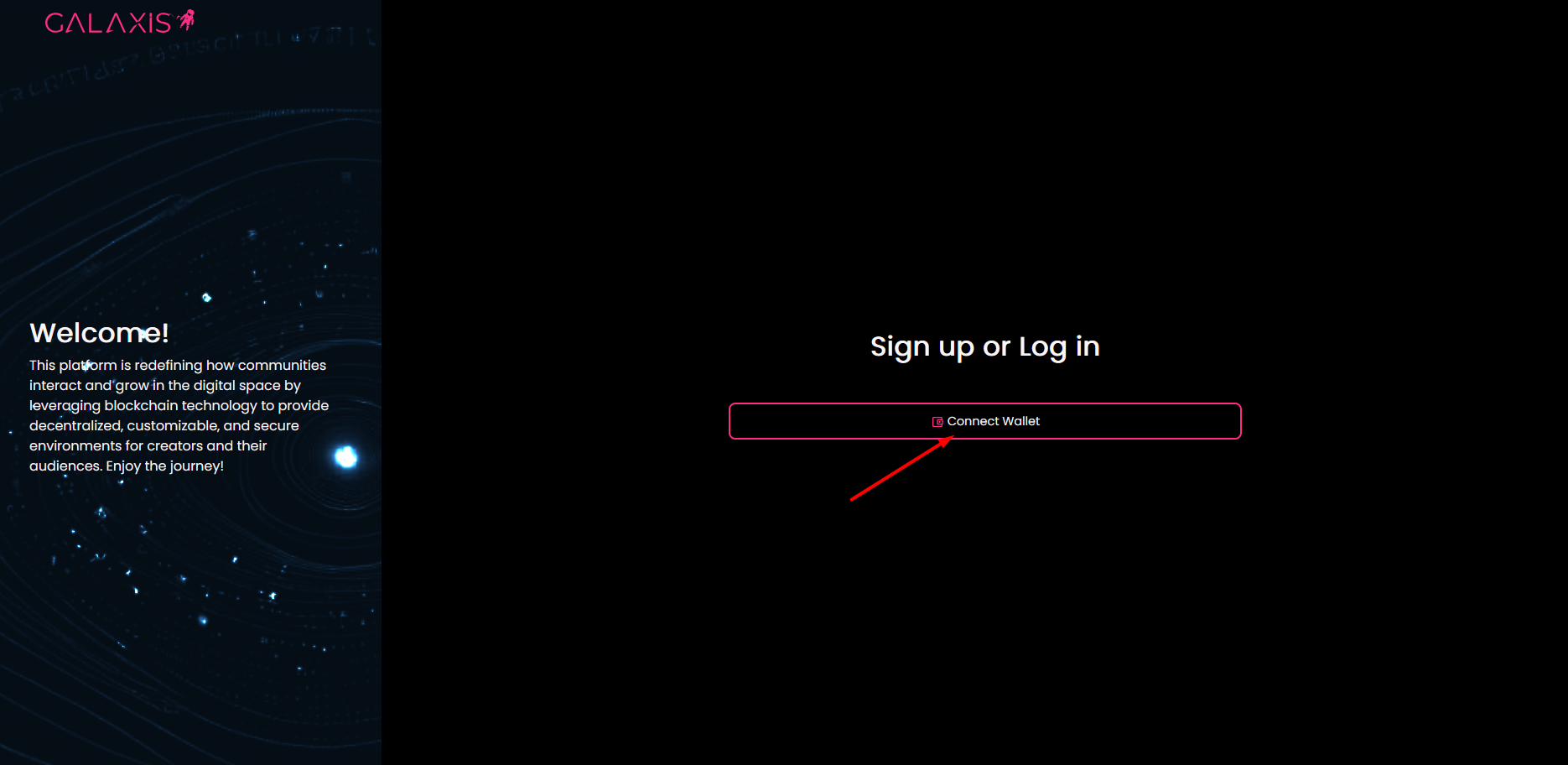
However, you start with the Connect wallet button in both cases.
¶ 1. Register using Particle Wallet
Use this option if you do not want to deal with the complexity of the blockchain world. The Particle wallet provides a very easy way to obtain and use a crypto wallet even for community creation.
-
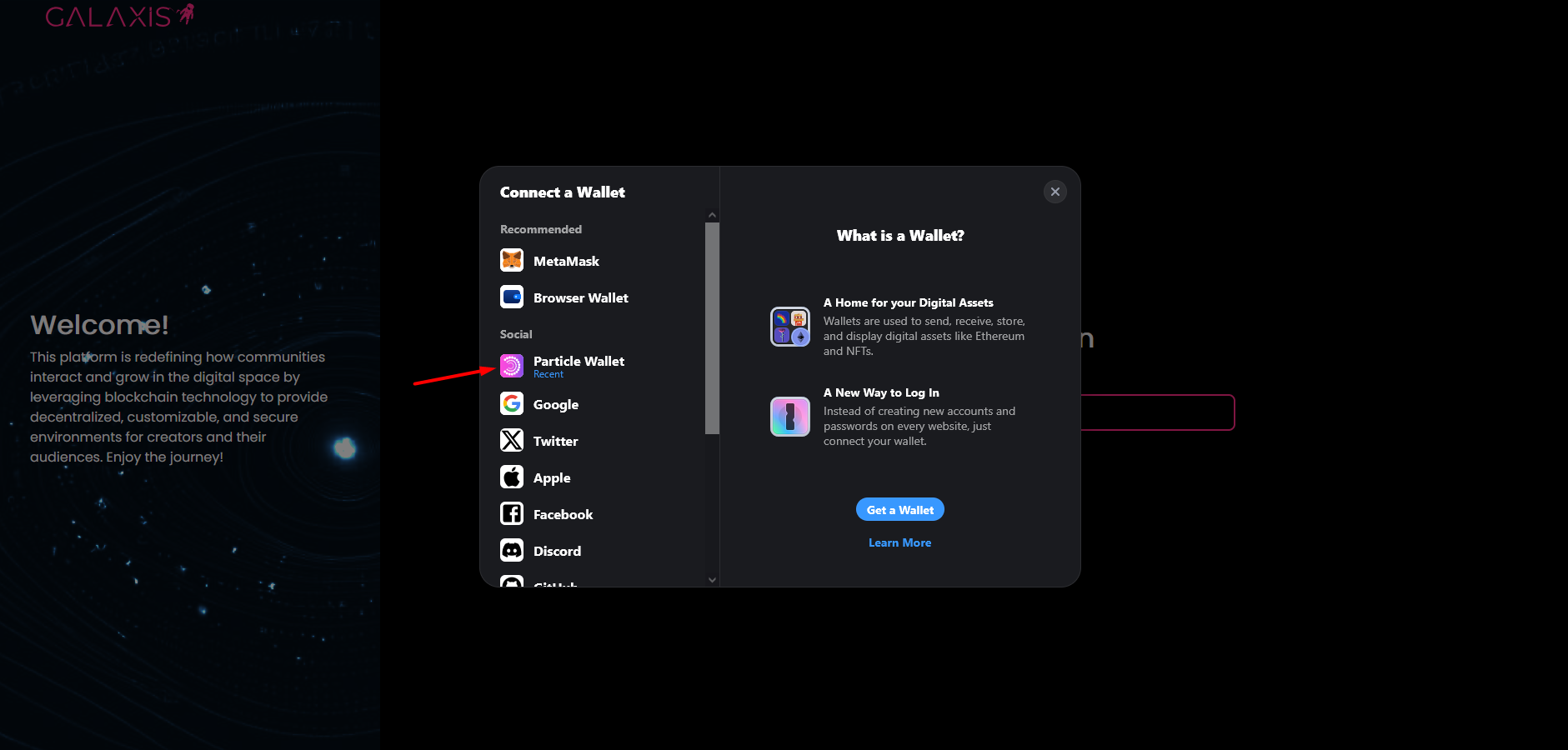
Select Particle Wallet on the left side of the pop-up window.
-
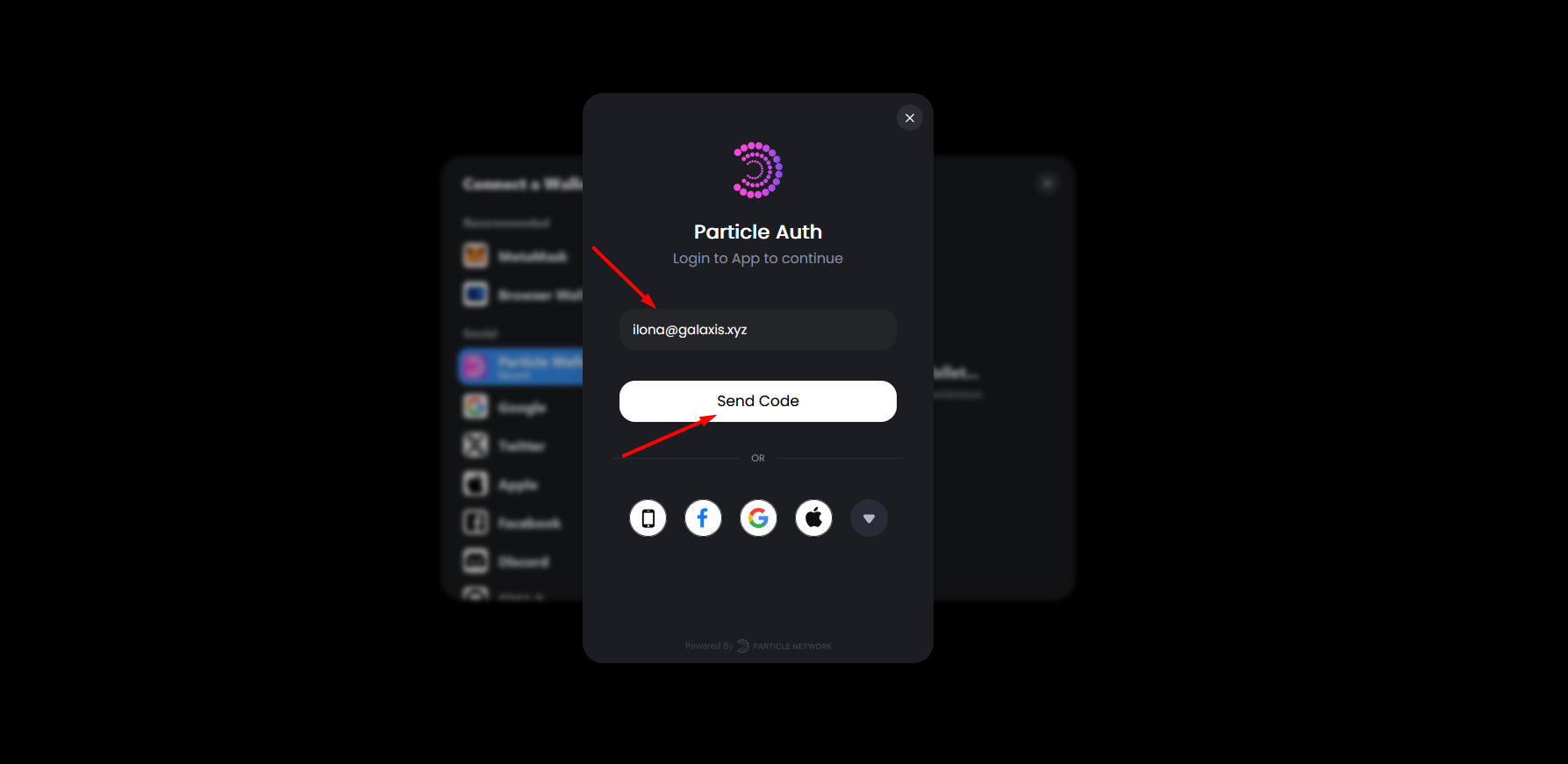
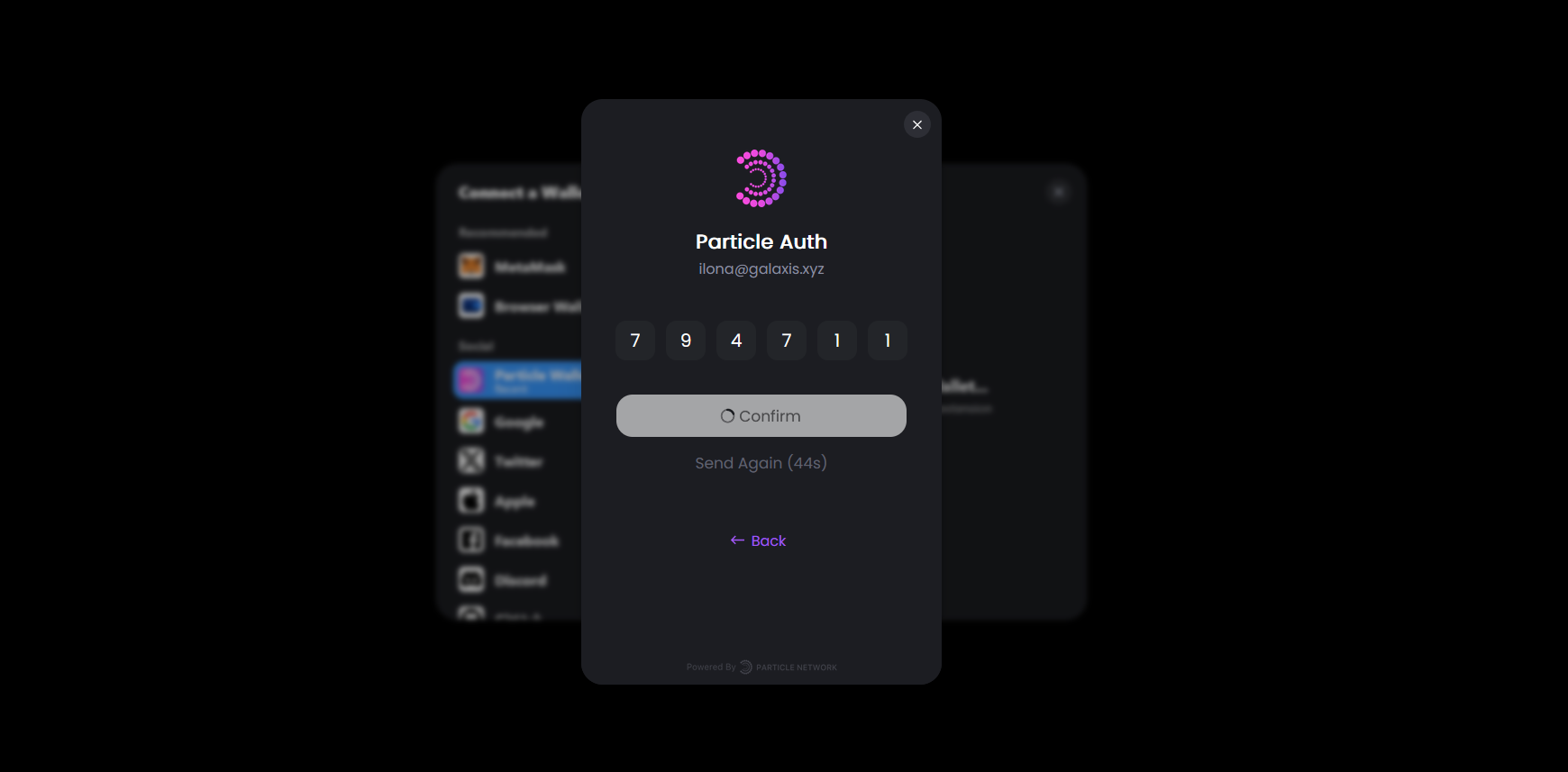
Enter your email address and click Send Code.
-
Enter the received code and wait until it is confirmed.
-
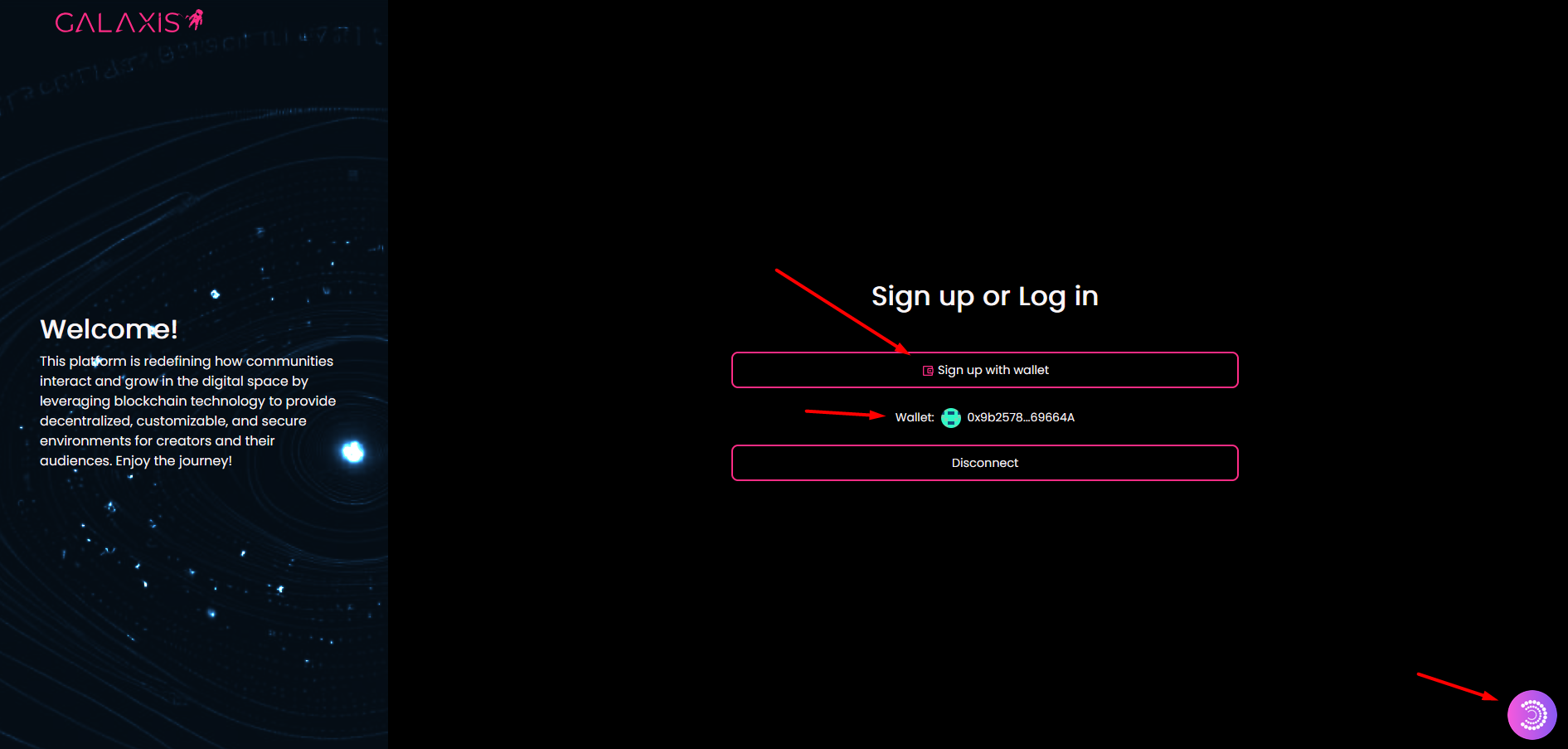
Now you can see the newly created wallet address. Click Sign up with wallet.
-
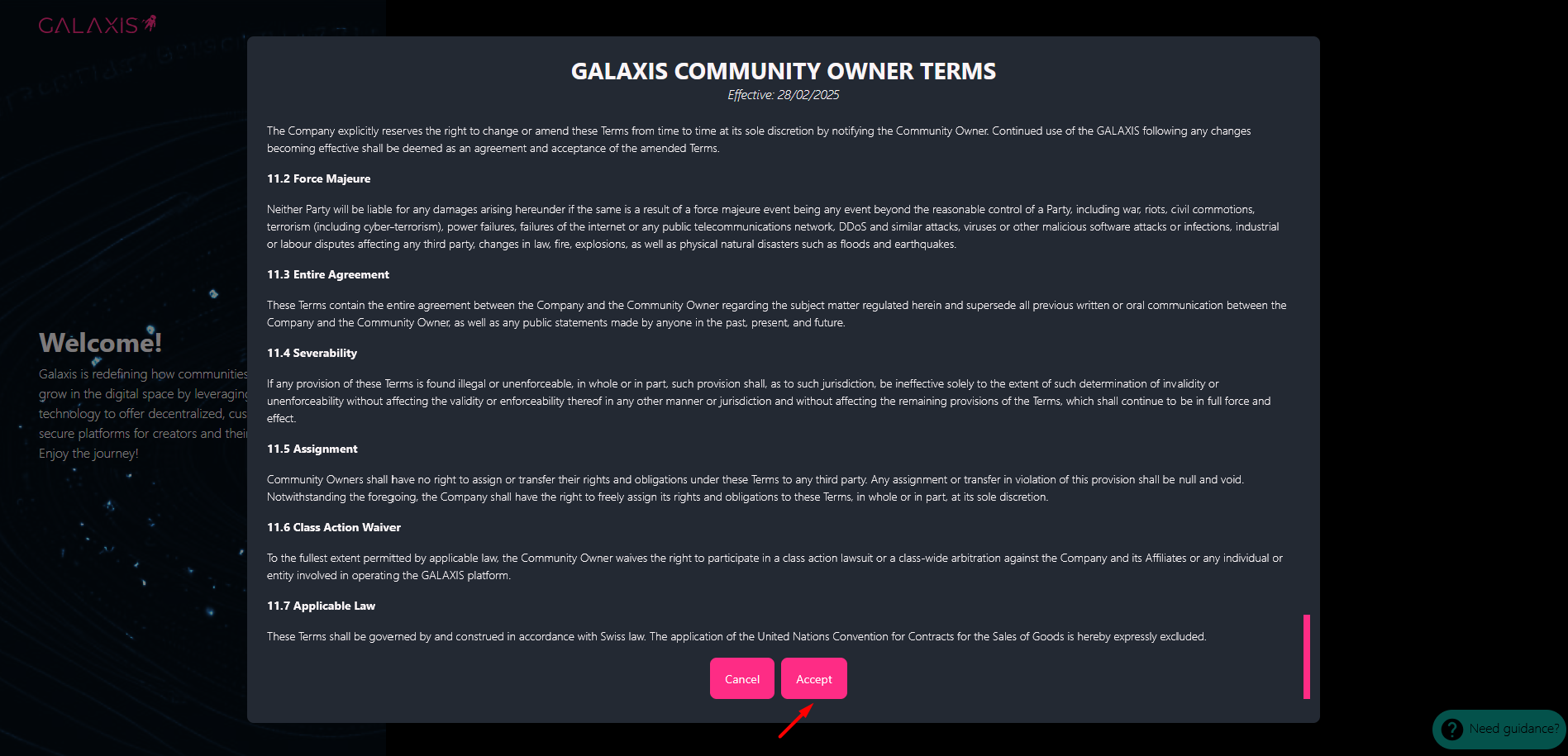
Accept the Galaxis Community Owner Terms and sign the transaction in your wallet.
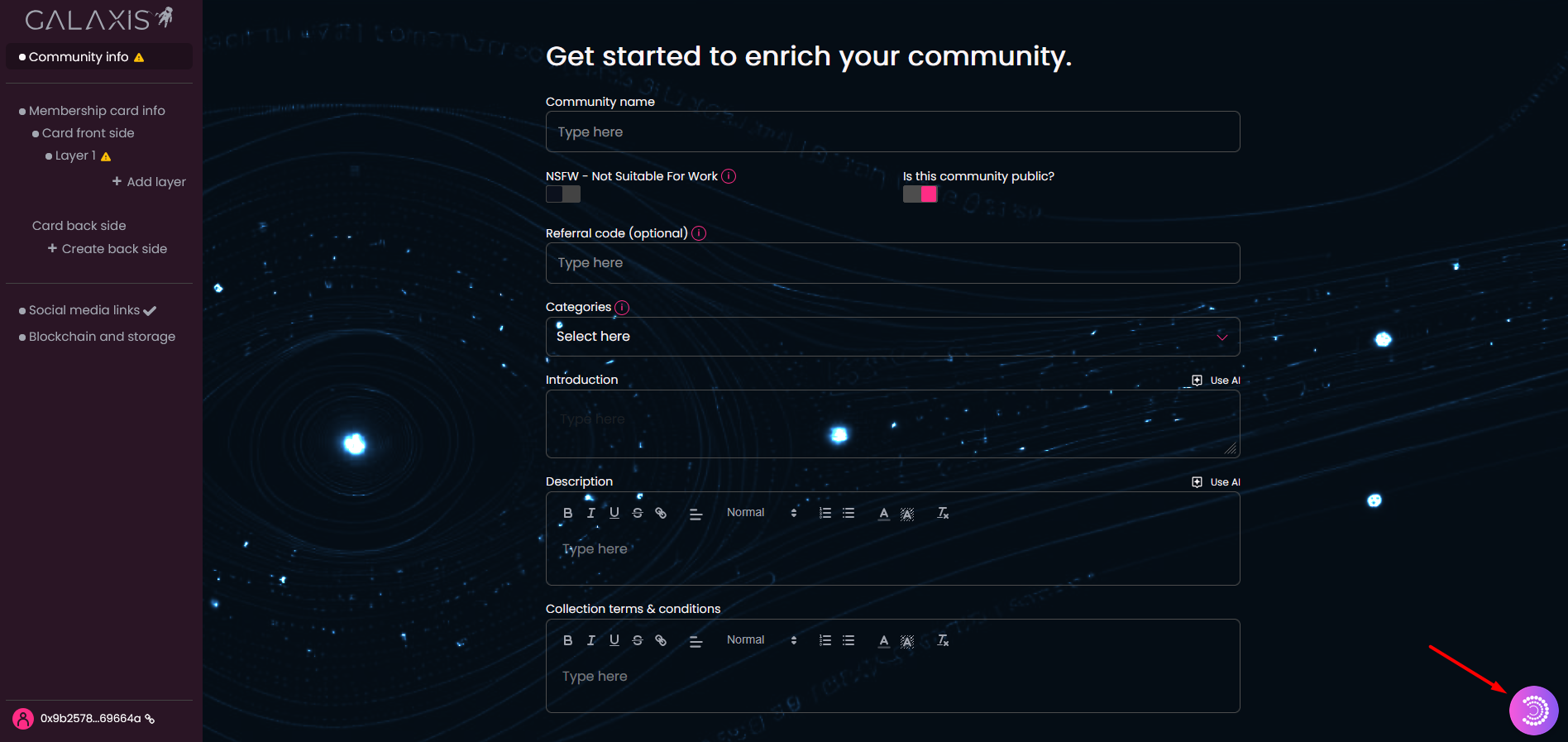
Congratulations: you’re now logged in with a Particle wallet! You may begin building your community website and creating your first collection (the membership collection).
¶ 2. Register using a crypto wallet
-
If you already possess a crypto wallet, the process is straightforward. Click the Connect wallett button.
If you do not have one, but you want to create your account with a crypto wallet, then first you have to choose a crypto wallet and install it. You can find the list of wallets here.
Your wallet is your identity card, no one else can sign any document with your signature (as long as you keep it safe). If you have no preference, we recommend using MetaMask, a simple add-on you can install in your browser. Once installed, you can use it to create an account on this page. -
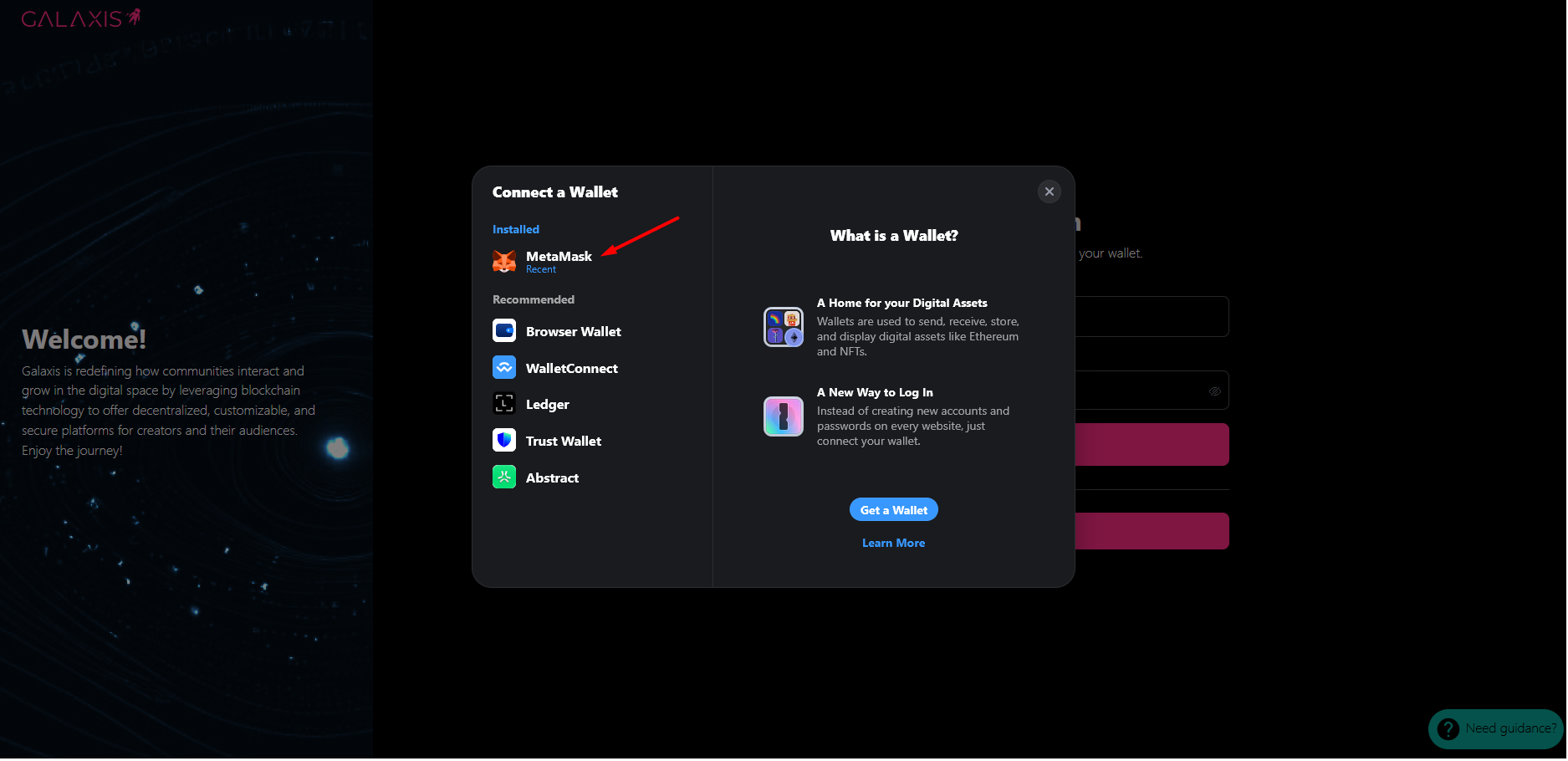
Select your wallet provider.
-
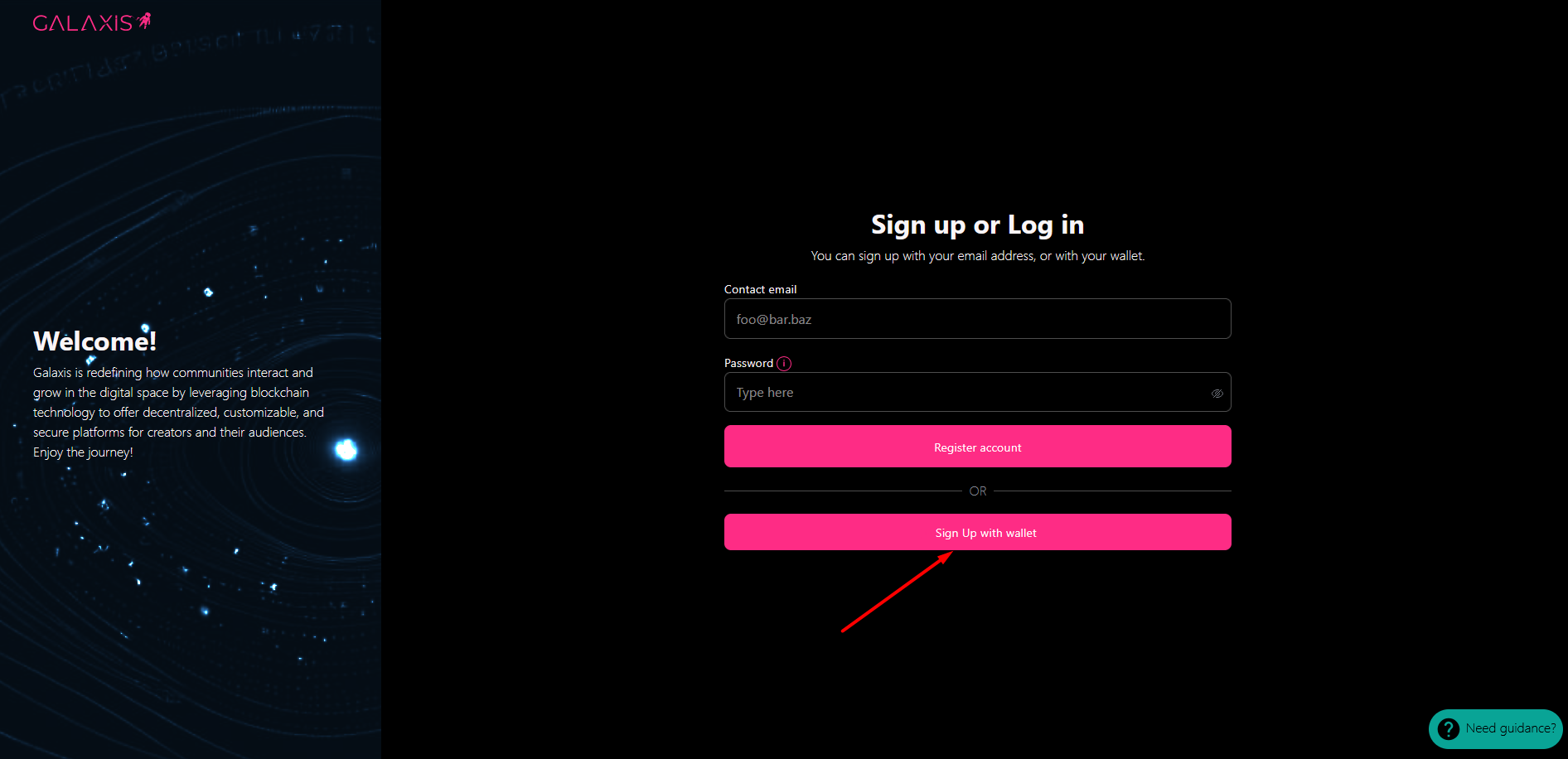
Click Sign up with wallet, and then approve the signing request in your wallet.
-
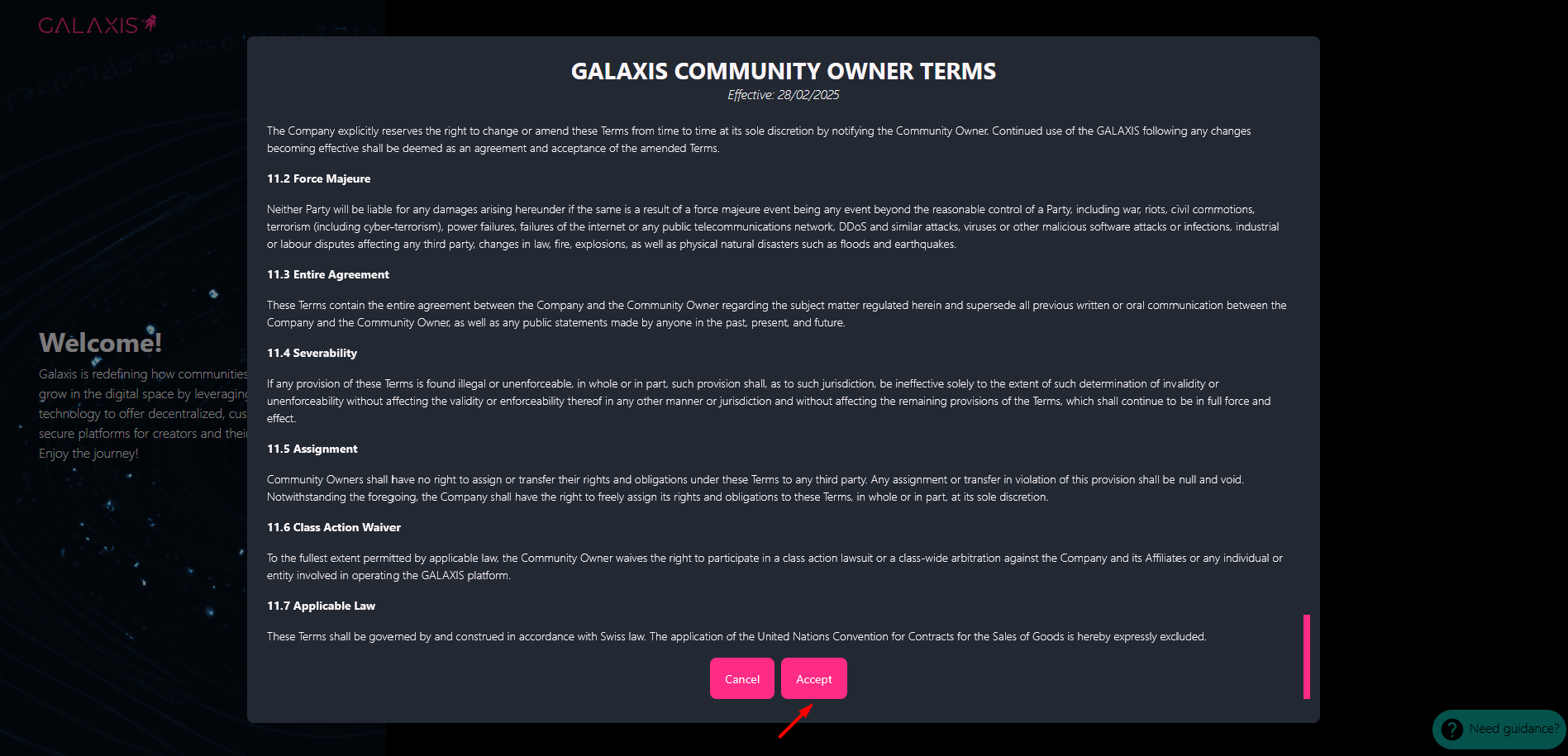
Read and accept the Galaxis Community Owner Terms.
-
Your account is created with your crypto wallet, and you are in! Congratulations, you can start building your community website and the first collection, which is the membership collection.