¶ Deploy Badge Containers
This tutorial is about how to deploy badge containers in the Utility Badge Center.
Badges on Galaxis enhance the value of Membership Cards by adding diverse features and functions. Badges reside on membership cards, and vary in utility, from simple decorative badges to complex utilities that can fundamentally change the abilities of the card they are sitting on.
The functionality of badges can vary widely, encompassing elements like purely decorative elements, discount coupons, both digital and physical redeemable items, game passes, and access keys. Utility Badges are designed to enrich the membership experience, providing cardholders with a range of enjoyable and practical benefits that enhance their engagement with the community.
To set up various badges on you collection cards, first you need to deploy the badge container for each badge type.
¶ Prerequisites:
- Have the Main Contracts deployed.
¶ Step 1
You are on the UBC Dashboard:
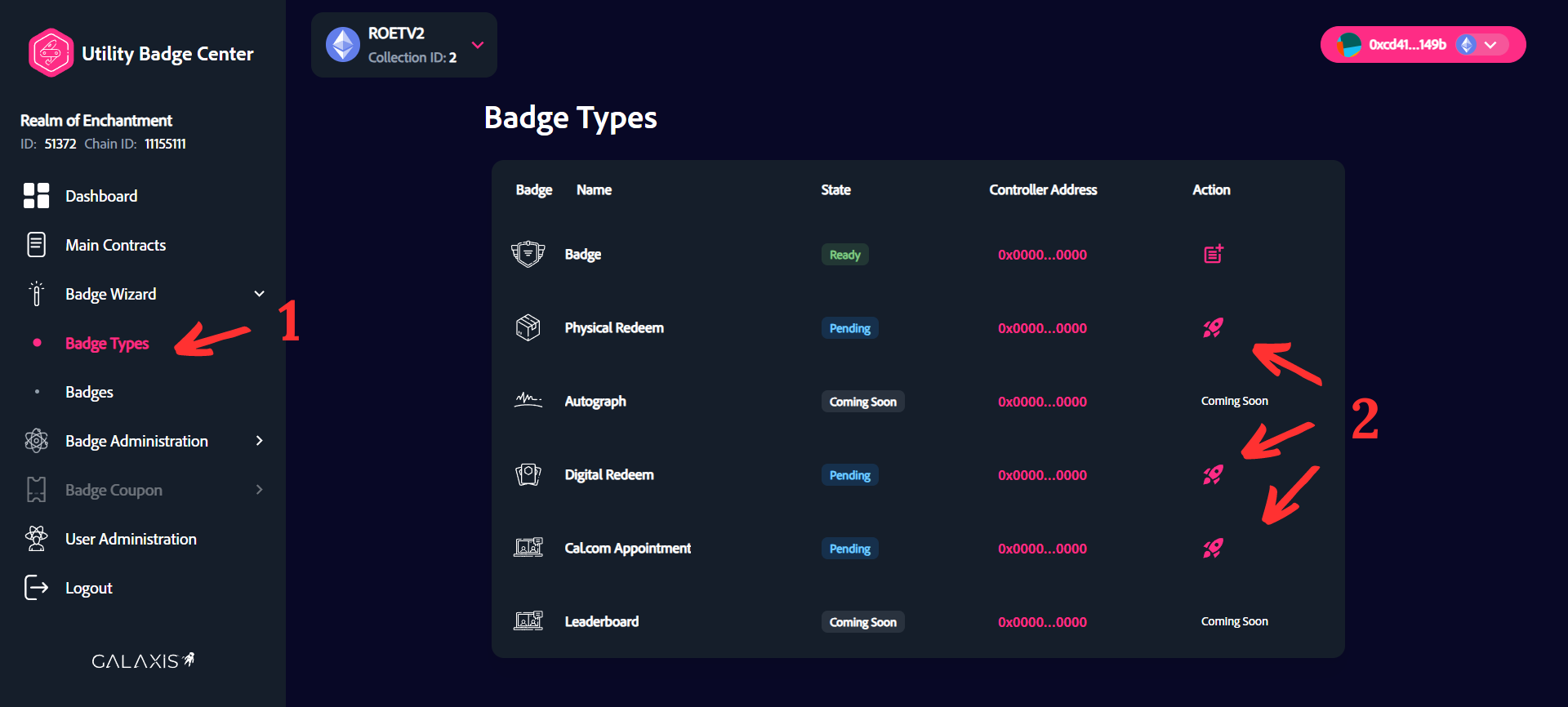
- Select the “Badge Wizard” -> “Badge Types” menu.
- Click on the rocket symbol to deploy a badge container.
- Note: The Decorative Badge container is deployed by default.
¶ Step 2
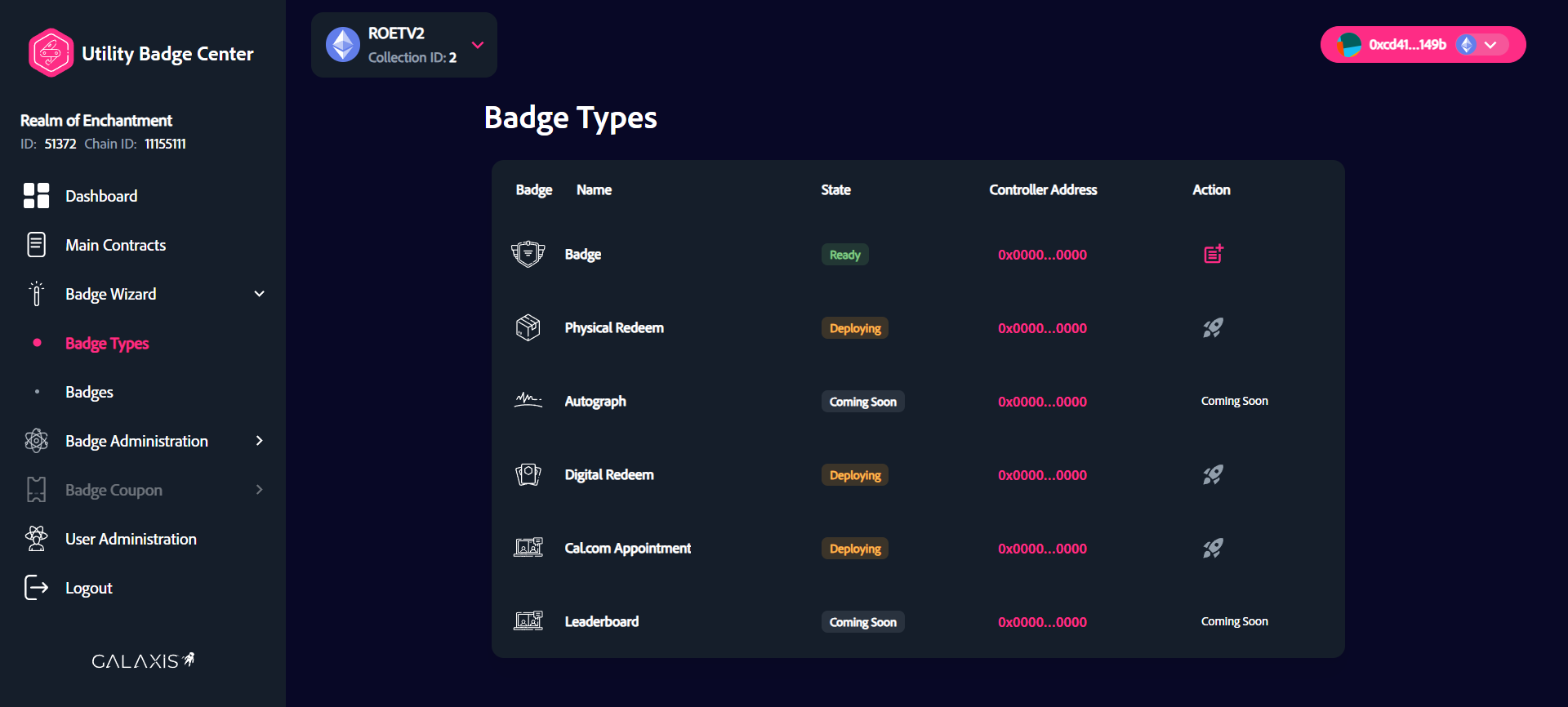
Wait several seconds or minutes after you've approved the transactions in your wallet for the badge containers to be deployed.
¶ Step 3
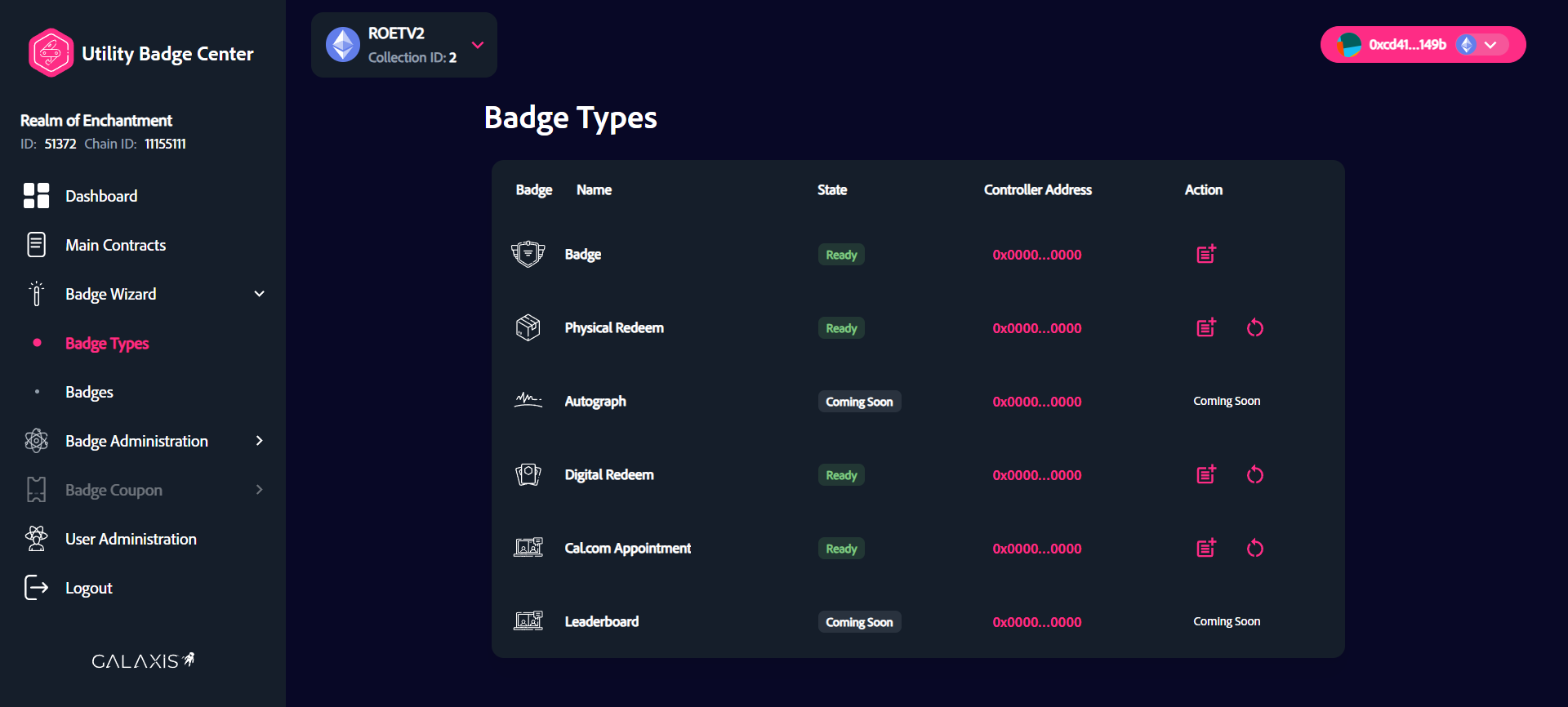
When the badge state becomes "Ready", the badge container is deployed succesfully.