¶ Deploy the Shop App
This tutorial is about how to deploy the Shop App.
Shops are a distinctive and versatile feature available to creators on the Galaxis platform, serving as specialized repositories for an array of rewards and assets within their communities. These Shops provide a unique mechanism for creators to enhance engagement and offer value to their members, effectively acting as a central hub for rewards distribution.
¶ Prerequisites:
- Have a created community.
- Have the community website published.
- Have the membership collection deployed.
¶ Step 1
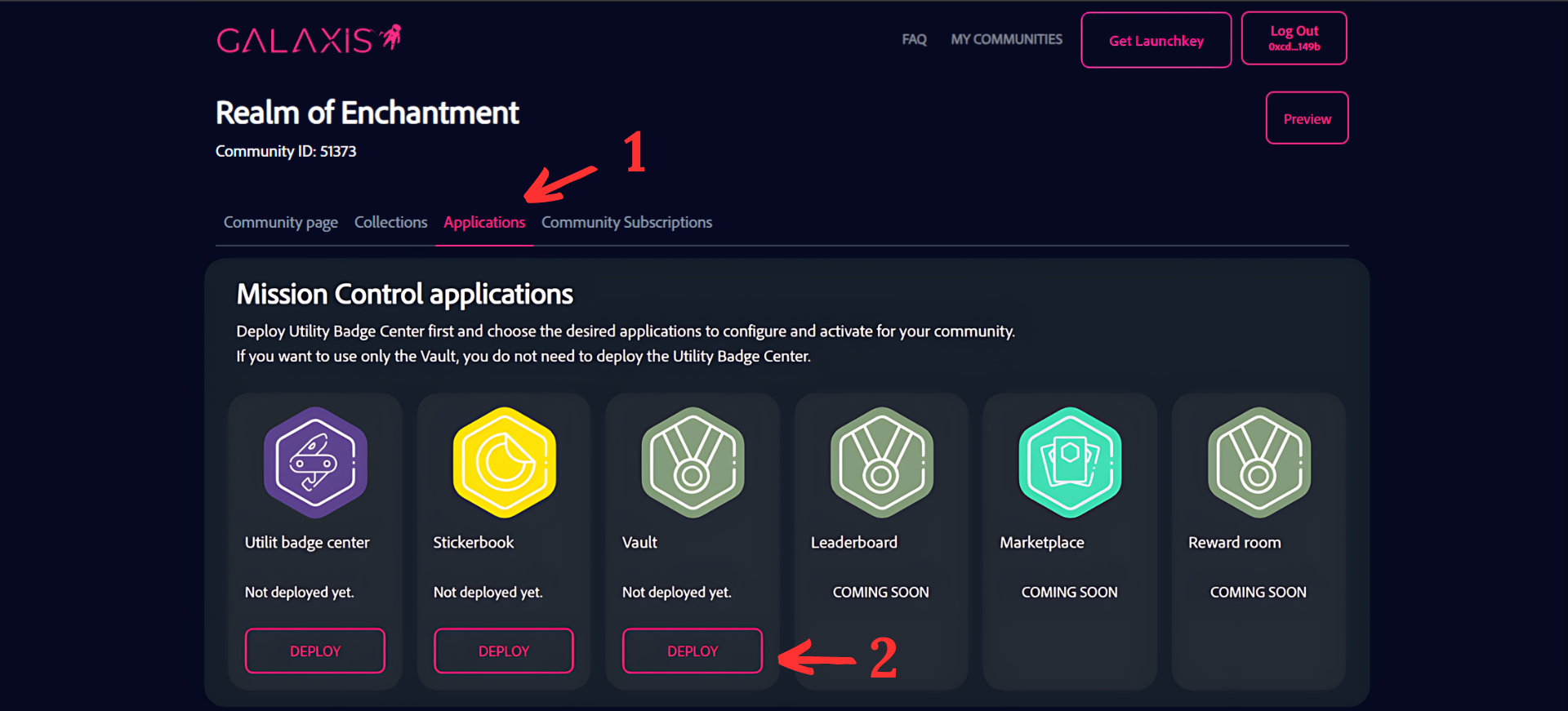
- Select the “Applications” tab inside your community.
- Click on the “Deploy” button on the Shops card.
¶ Step 2
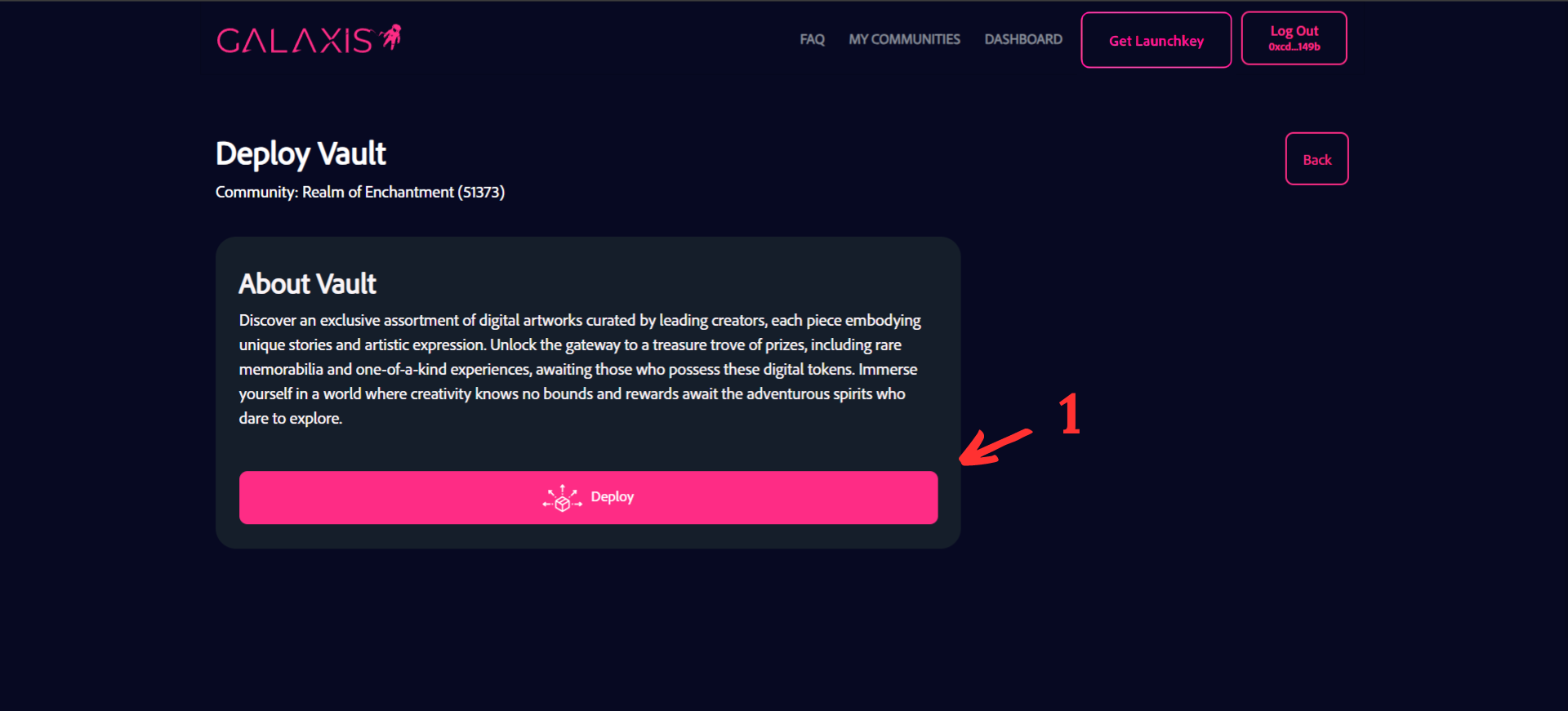
- Click on the “Deploy” button to continue the process, but it is recommended to read the information provided about the Shops before you click on the button.
¶ Step 3
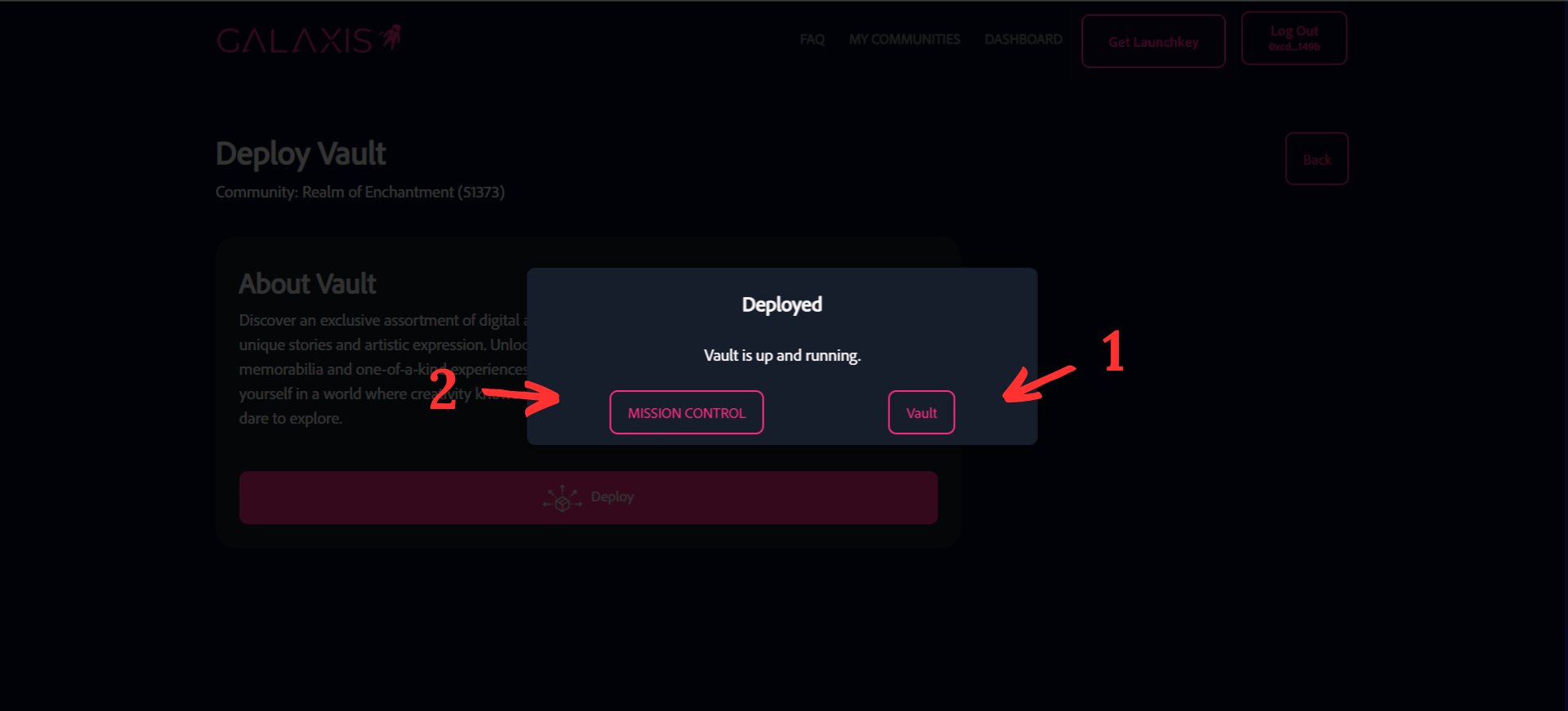
- Click on the “Shops” button to access the Shops Admin.
- Click the “Mission Control” button to return to Mission Control.
¶ Step 4
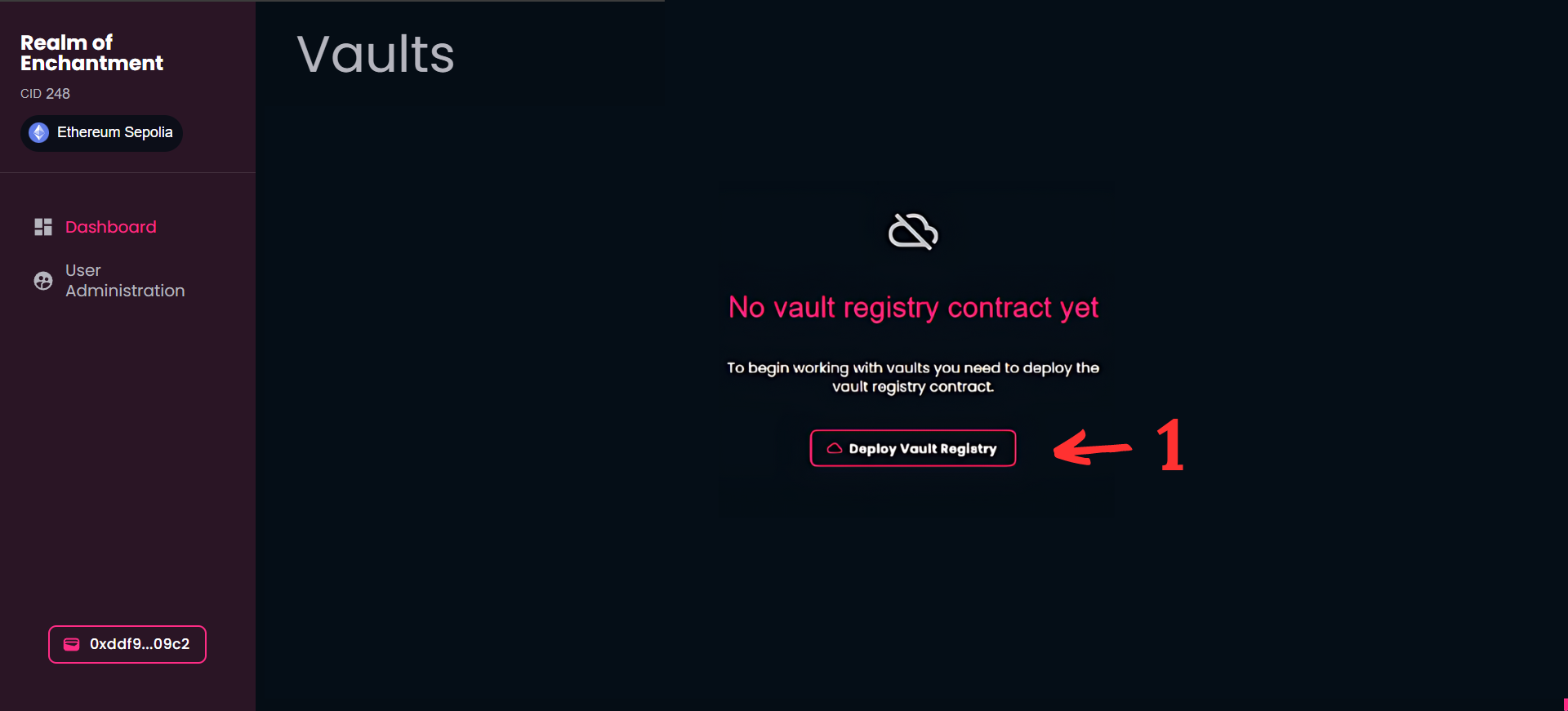
- Click on the “Deploy Shop Registry” button.
If you are ready with the steps above, you can start creating shops.