¶ Access the Mission Control
The Mission Control is the admin interface of the Galaxis Platform where the community owner can build and manage their community.
The revised, stremlined version is much more user friendly and it does not require to possess a launchkey in order to be able to start the community creation.
-
Open the Mission Control.
If this is your first time you access this page then you need to create an account.
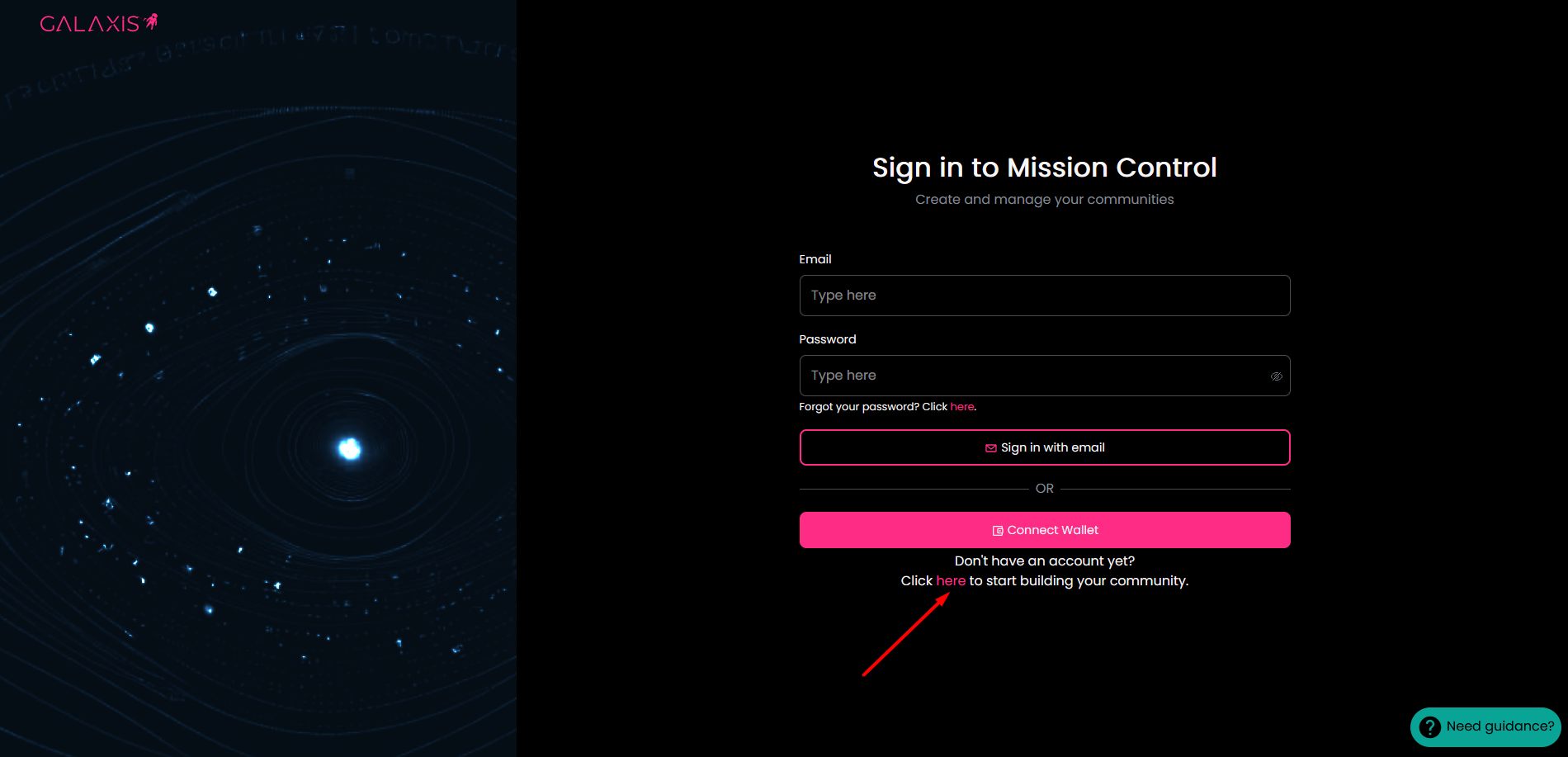
-
At this point, you have two options:
a.) register with e-mail address
b.) register with crypto wallet
¶ a.) Register with e-mail address
-
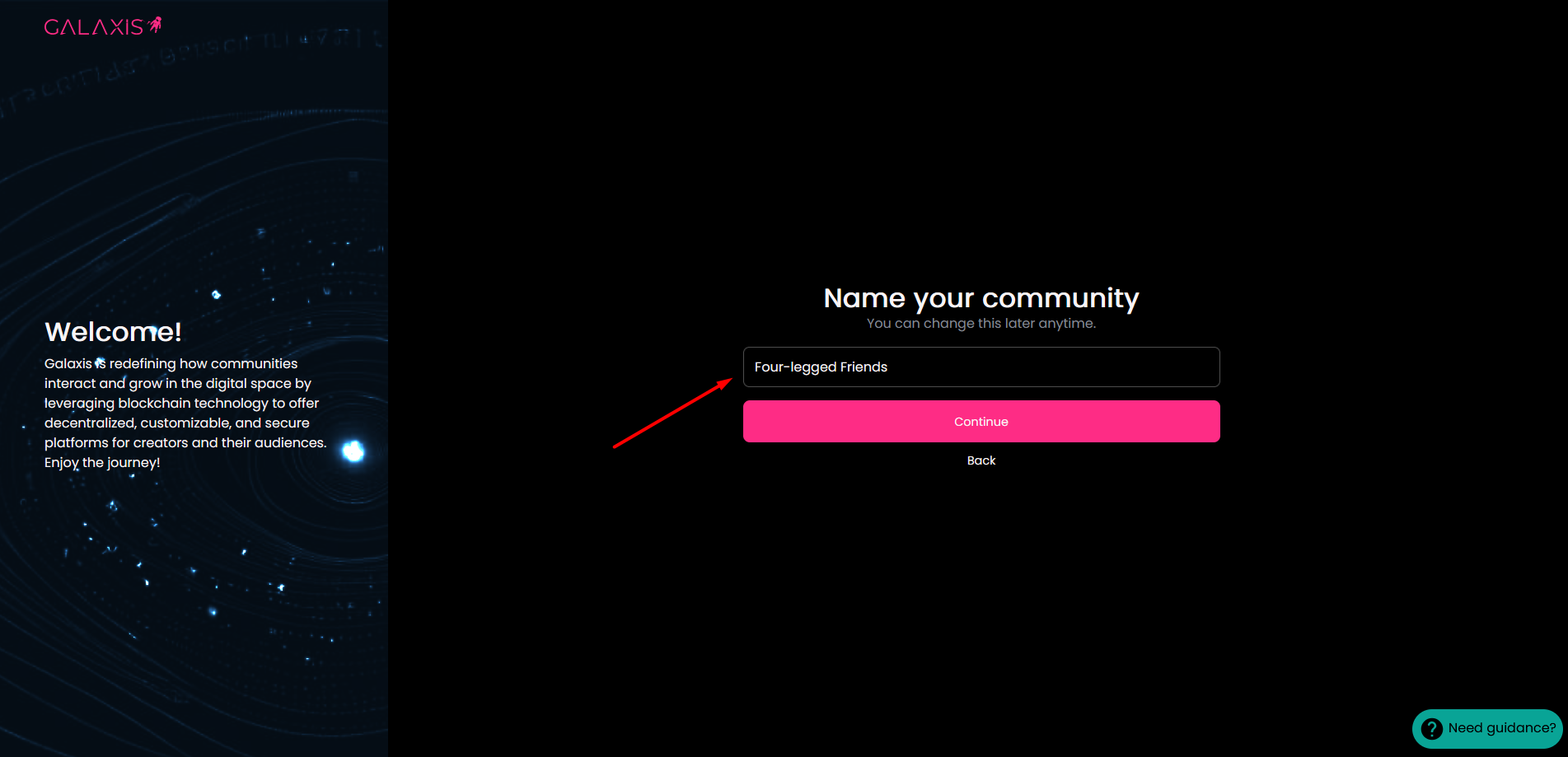
Along with the account creation we begin collecting the basic data necessary to launch your community. The first thing in this process is to provide a name for your community. In general, you can use all kinds of special characters in your community name, even emojis.
-
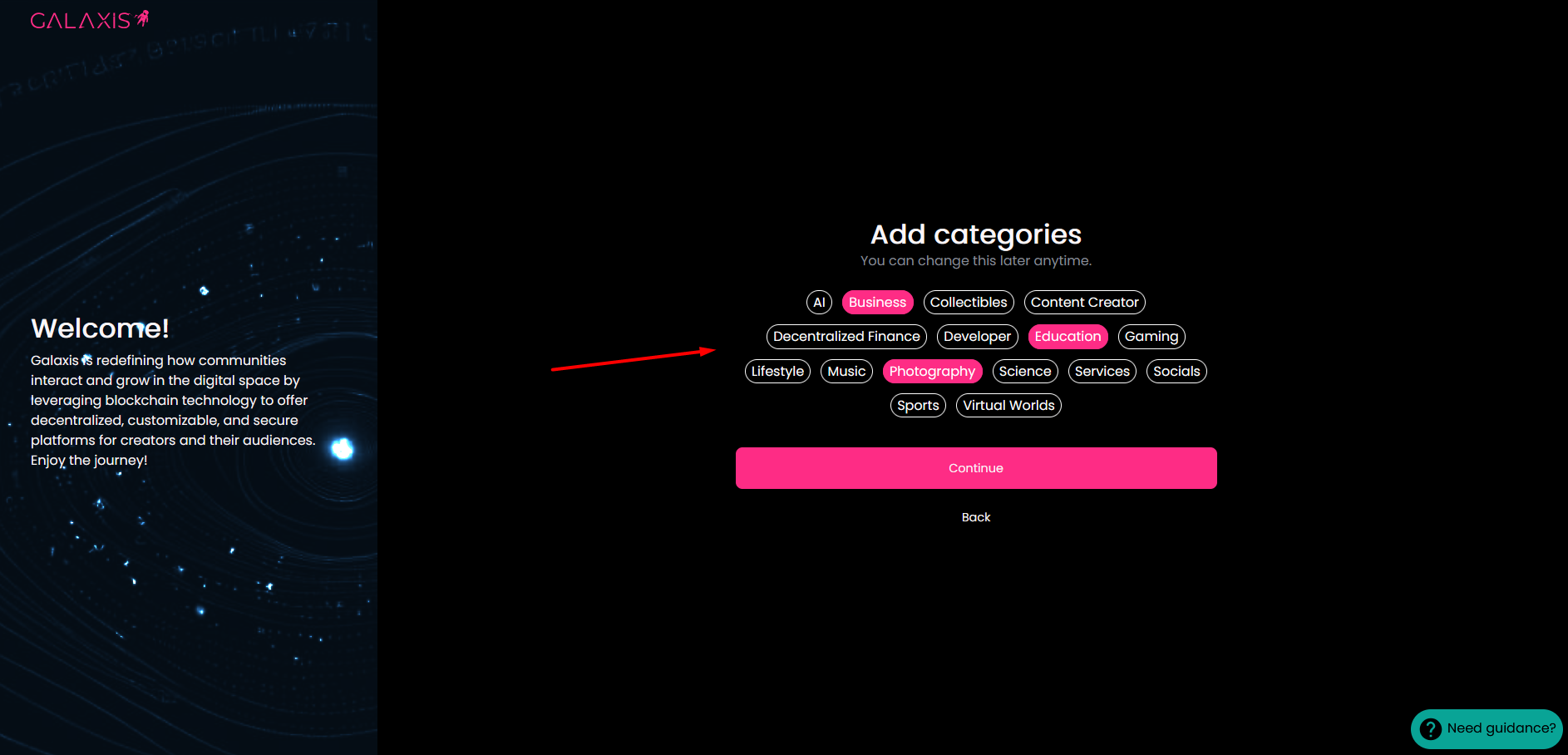
Next, it is recommended to select the categories (maximum 3) that relate to your community. You have the possibility to select the categories later too, but if you set these now, the potential community members can find your community more easily.
-
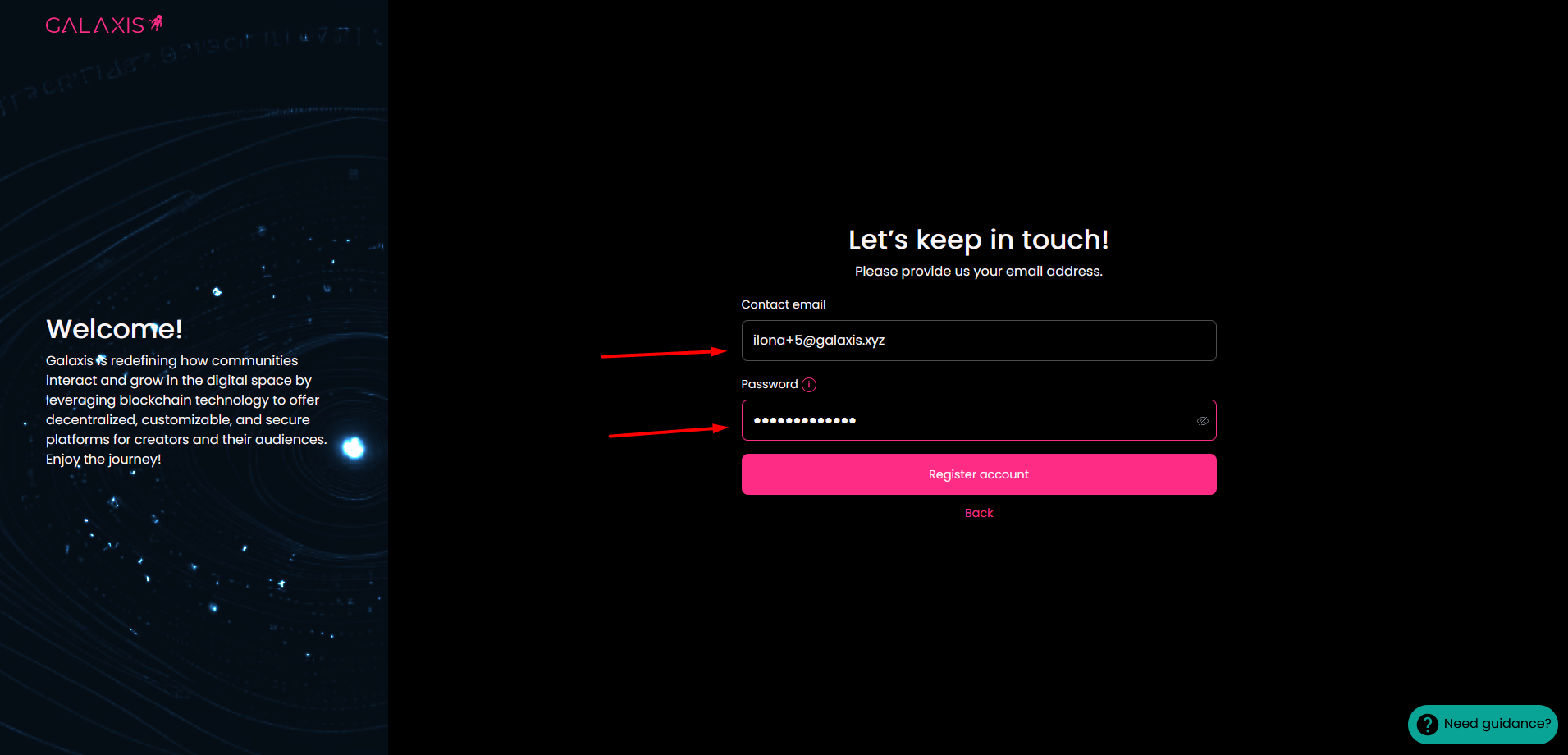
Now is the time to type-in your e-mail address and password to create your account.
-
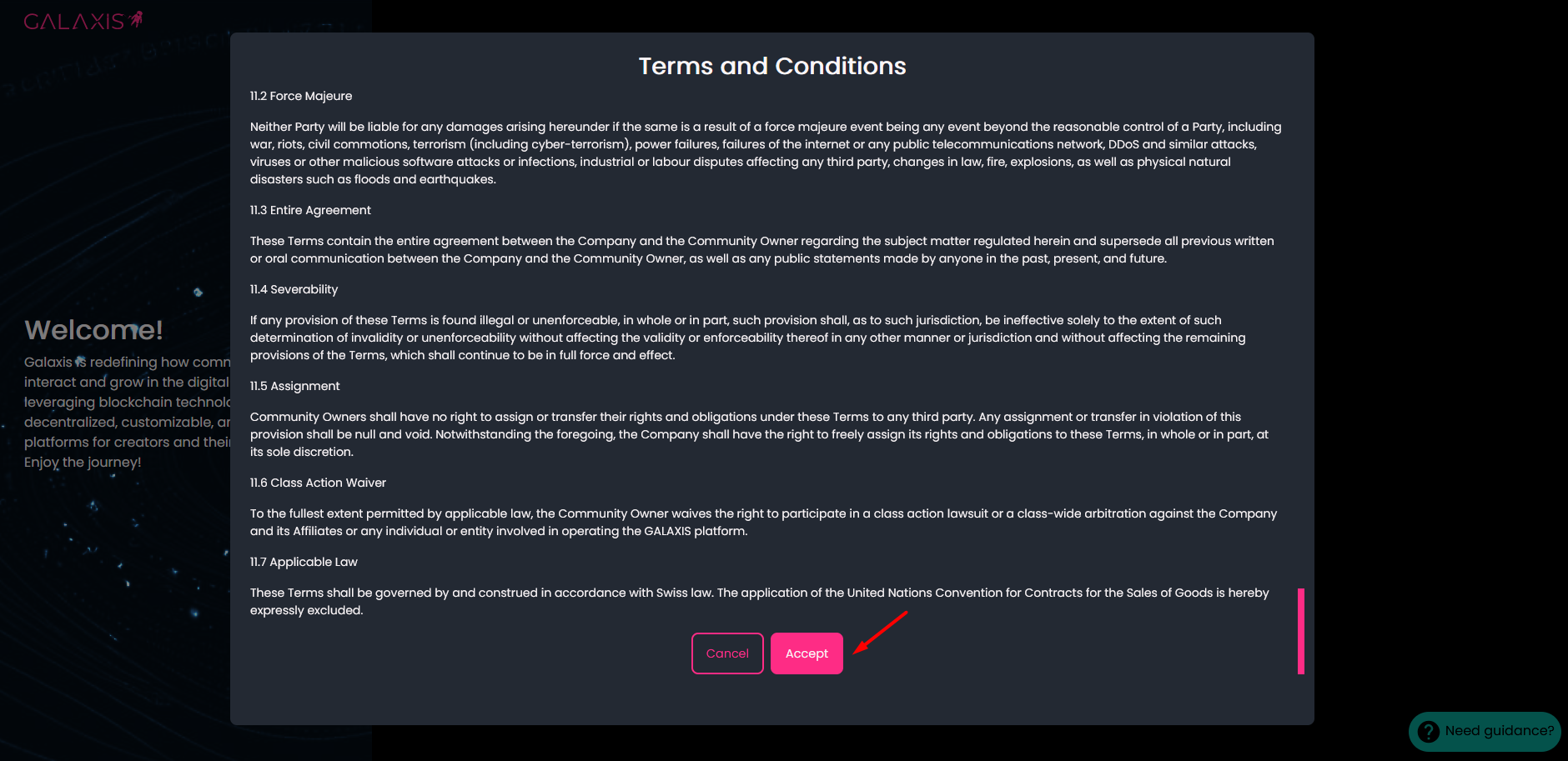
After clicking on the Register account button, the Terms and Conditions will be displayed. Accept to continue.
-
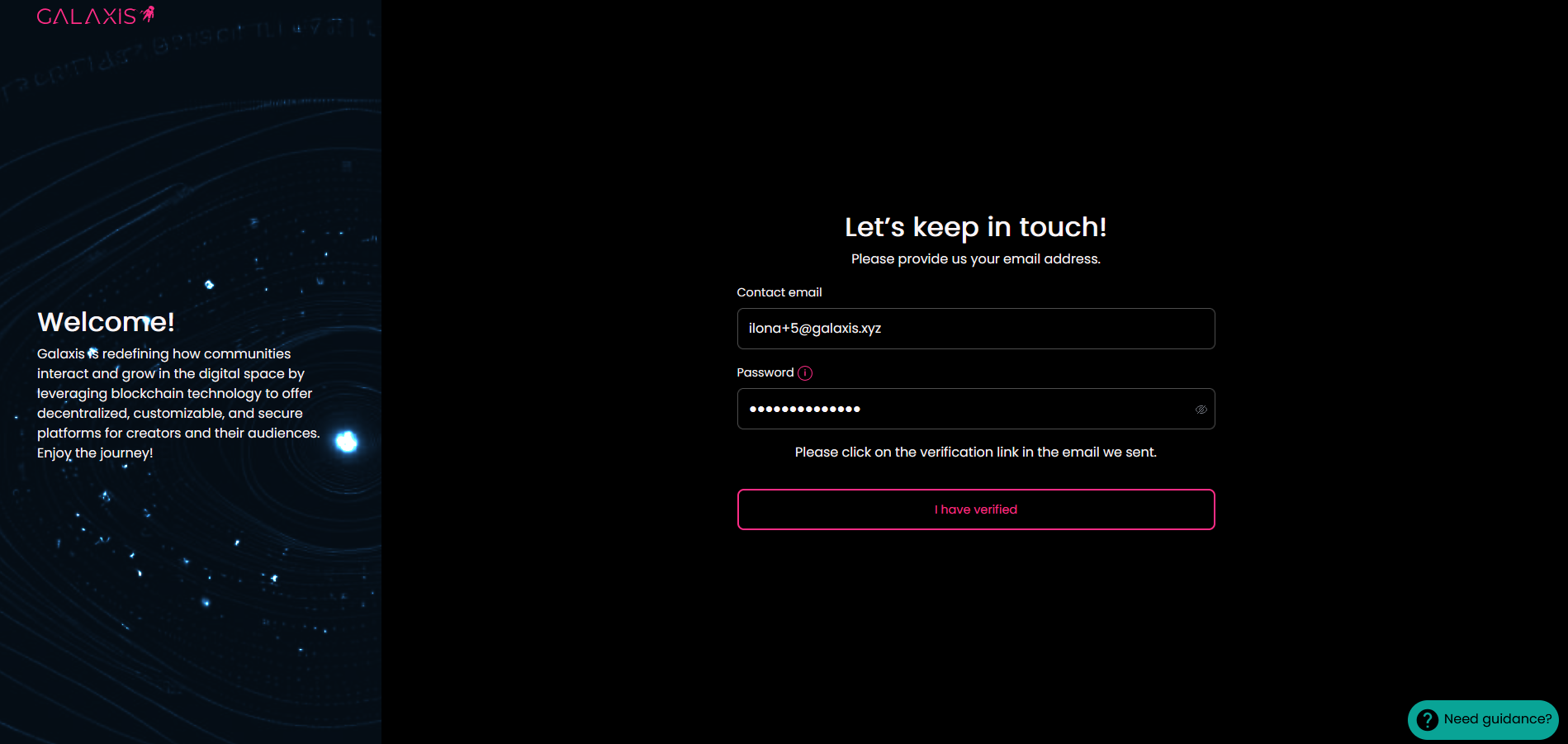
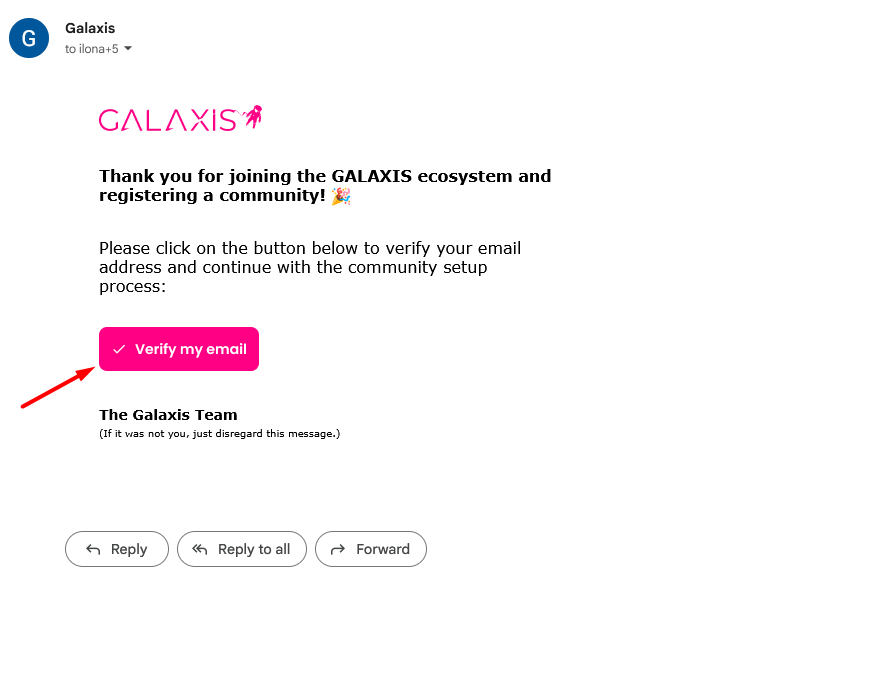
Go to your e-mail account and open the e-mail you have received from Galaxis to verify your e-mail adddress.
-
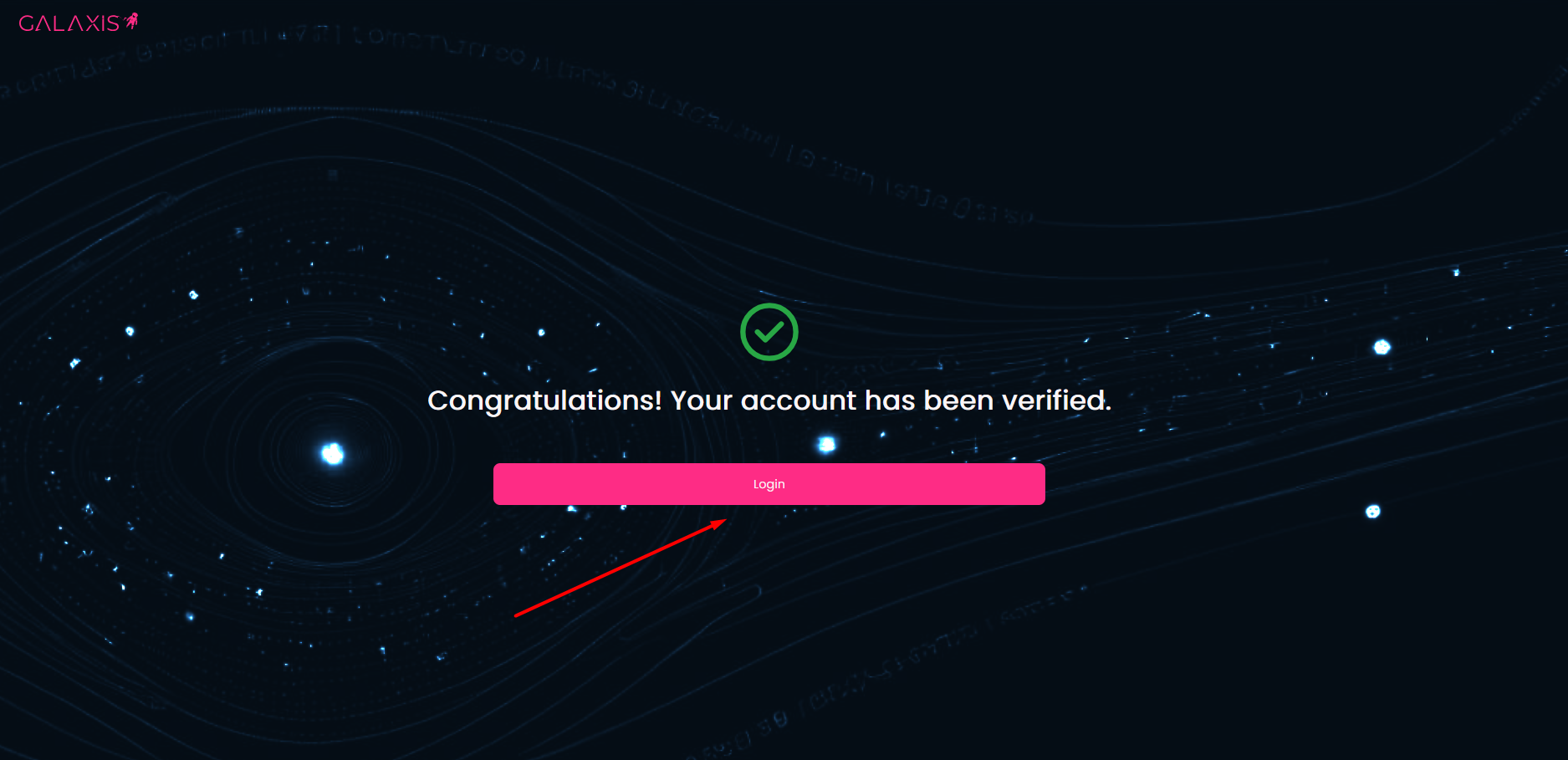
After verification you will be taken to a confirmation page, where you can log in with your previously set data. After login you can build up your community.
¶ b.) Register with crypto wallet
-
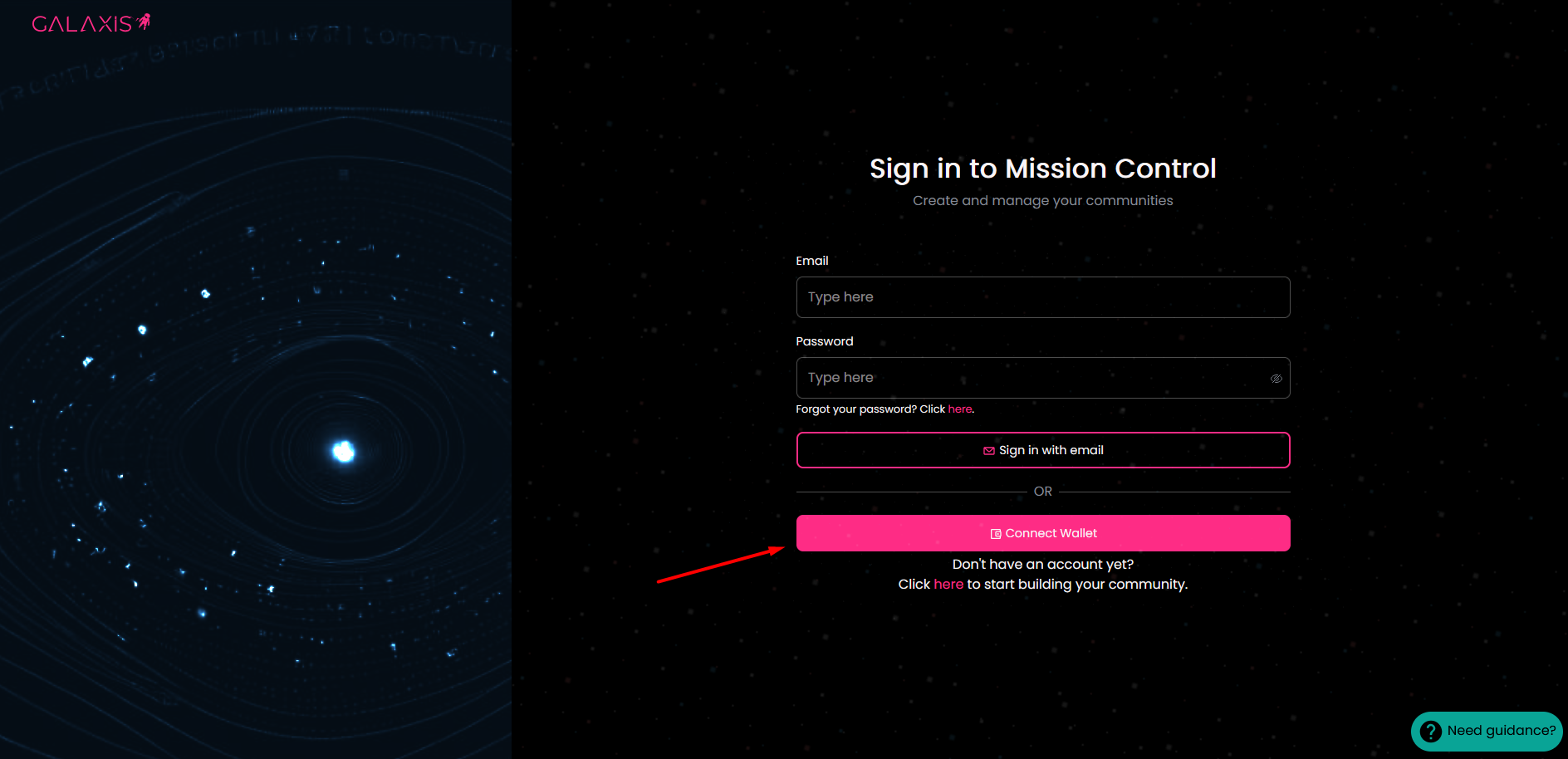
If you already possess a crypto wallet, the process is straightforward.
If you do not have one, but you want to create your account with a crypto wallet, then first you have to choose one and install it. You can find the list of wallets here.
Your wallet is your identity card, no one else can sign any document with your signature (as long as you keep it safe). If you have no preference, we recommend using MetaMask, a simple add-on you can install for your browser. Once installed, you can use it for account creation on this page.
-
Select your crypto wallet and sign the request with your wallet!
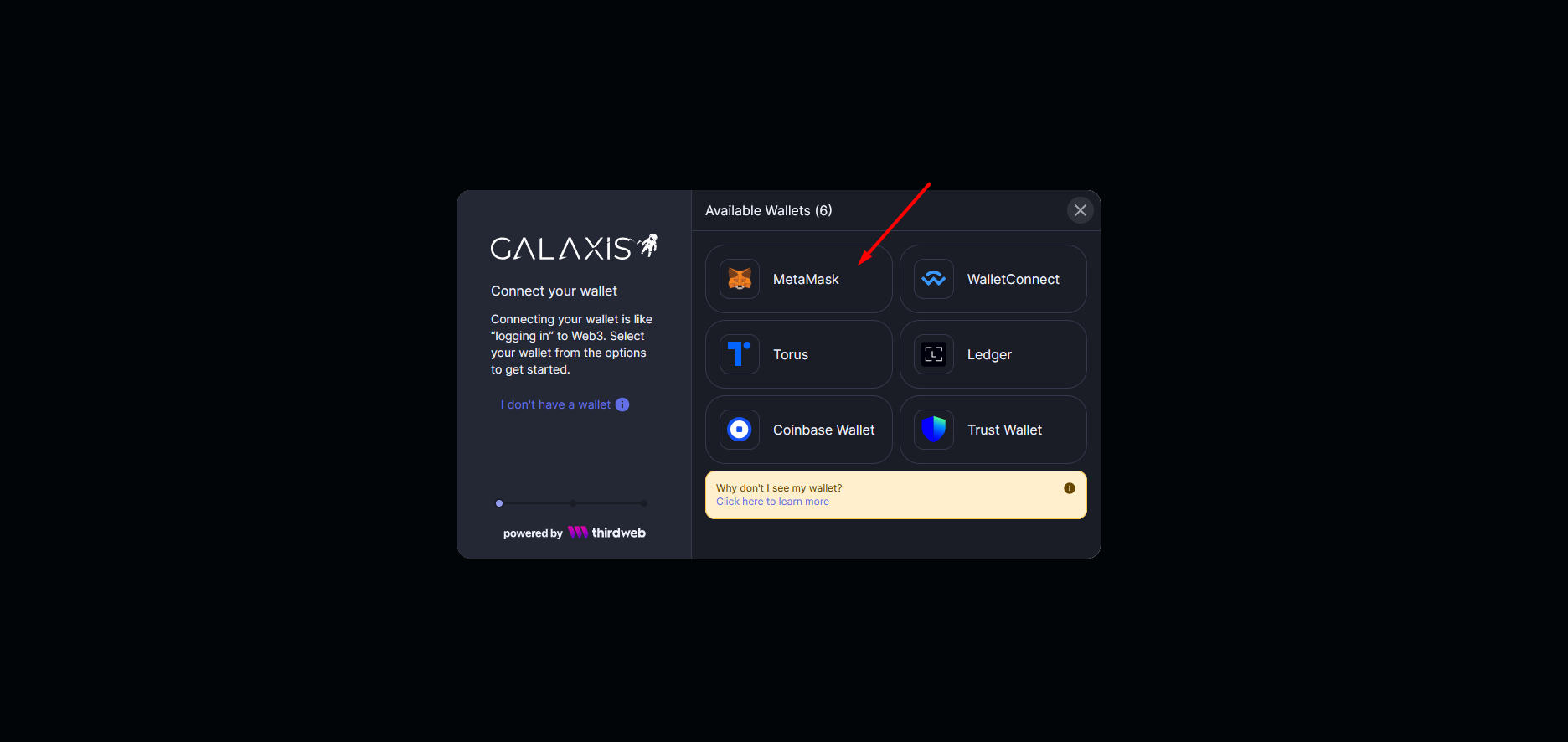
Believe it or not, an amazing amount of math is done in the background once you pressed that little button that proves that it could be you and only you who did so. -
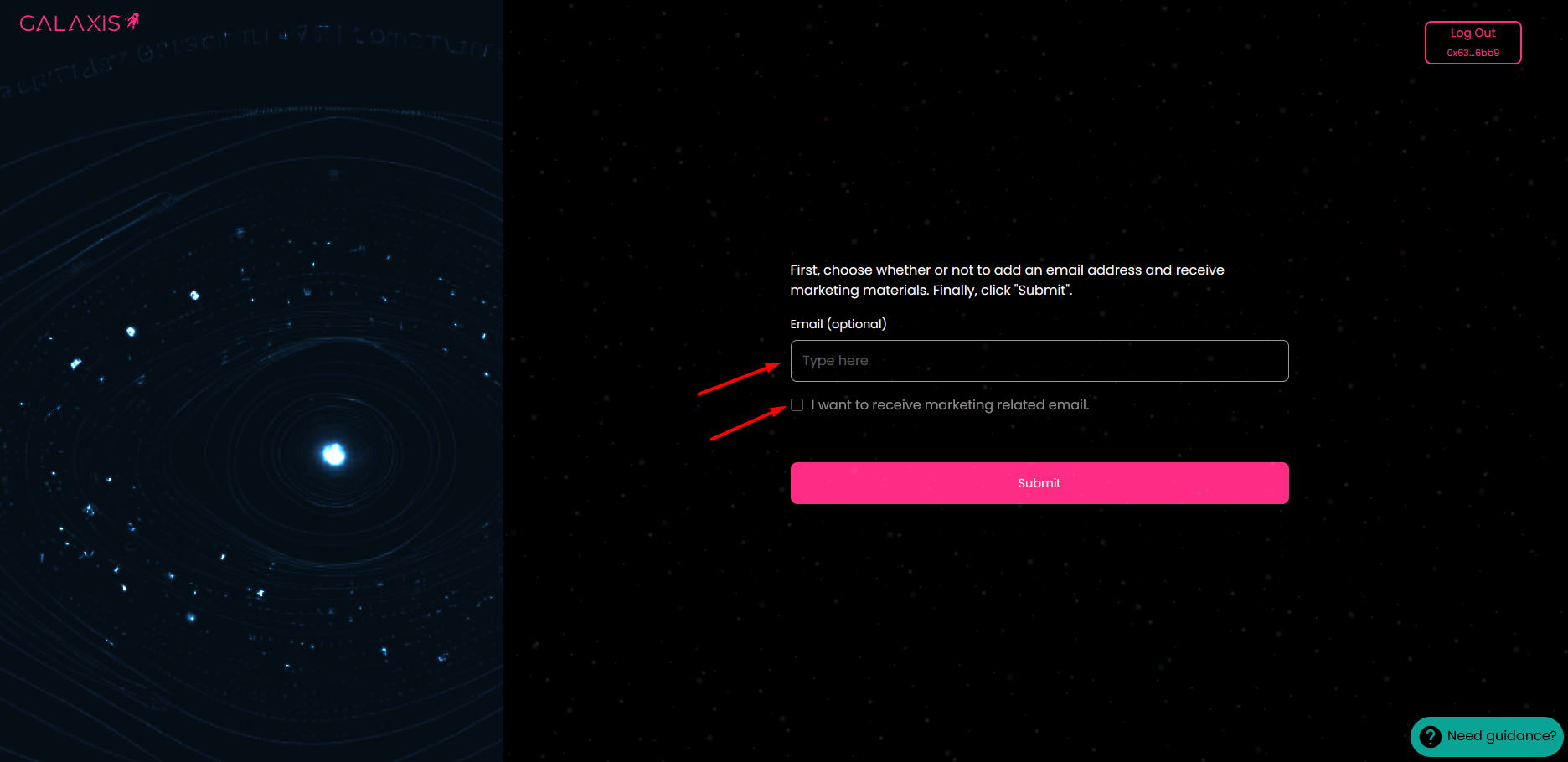
If you wish to receive marketing material, just type-in your e-mail address and tick the checkbox, but this is totally optional.
-
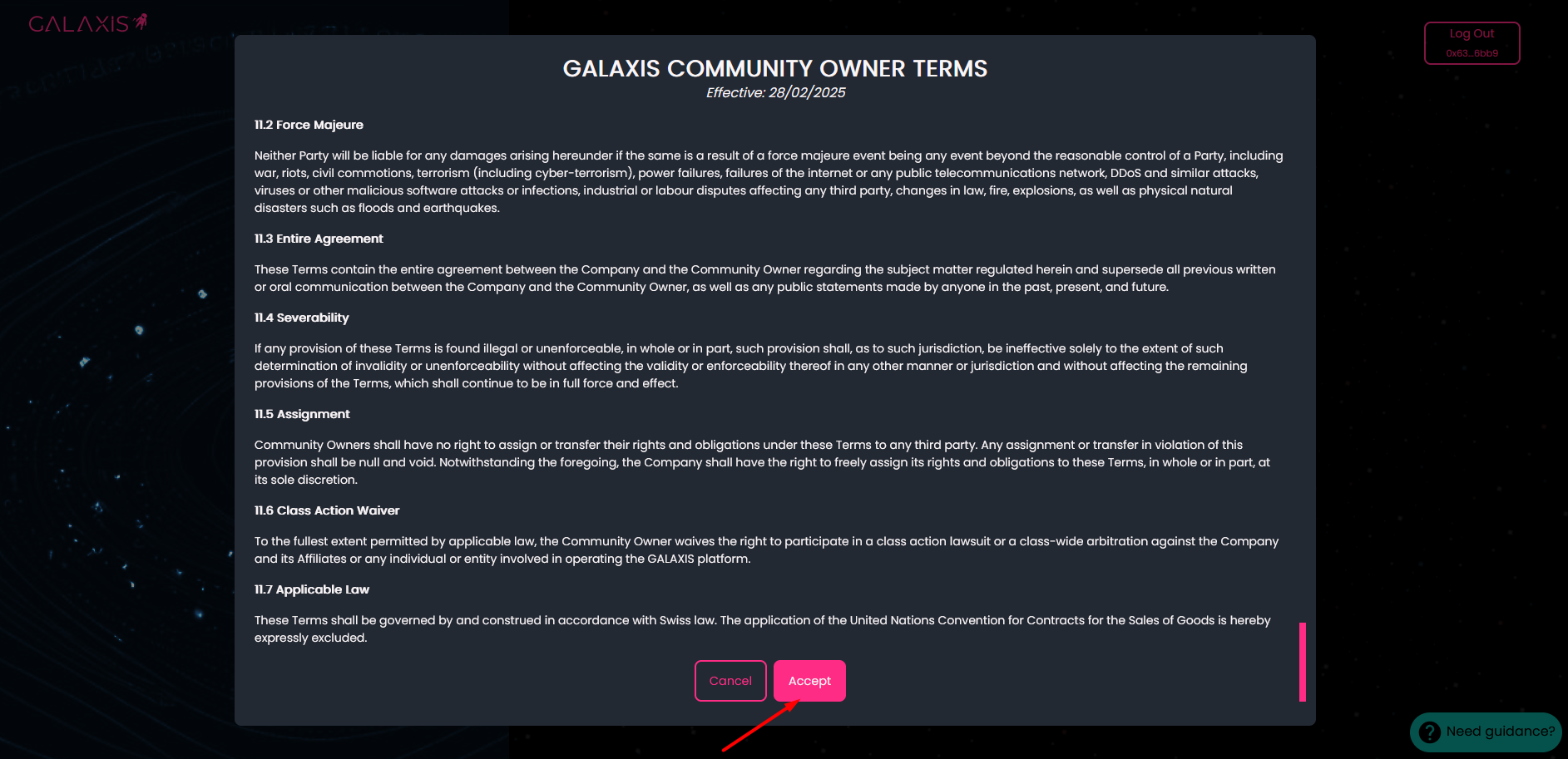
As a following step you have to accept the Terms and Conditions.
-
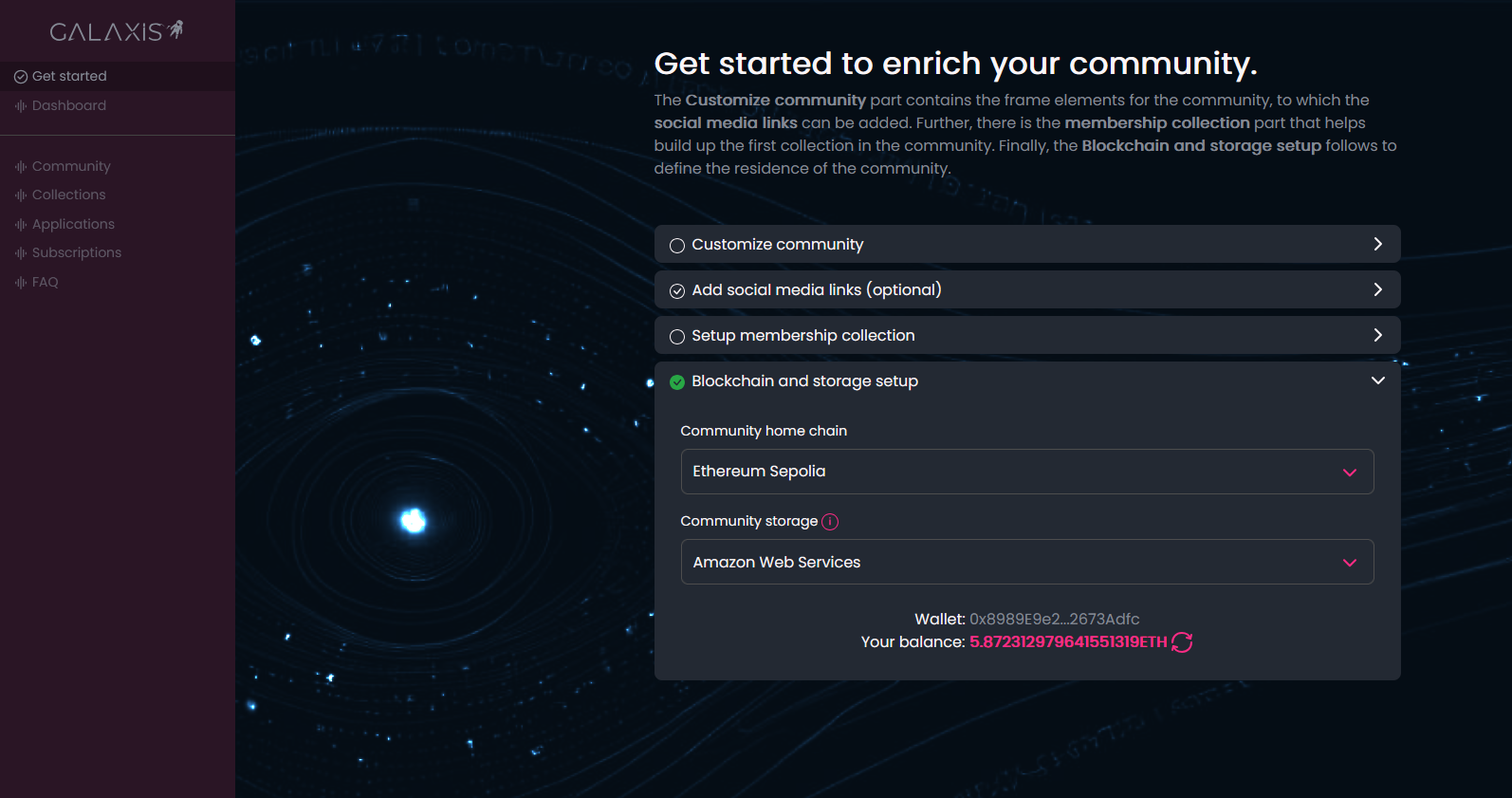
Your account is created with your crypto wallet, and you are in! Congratulations, you can start building your community using the Customize your community tab.
As you can notice that the fourth tab Blockchain and storage setup is already filled for you.